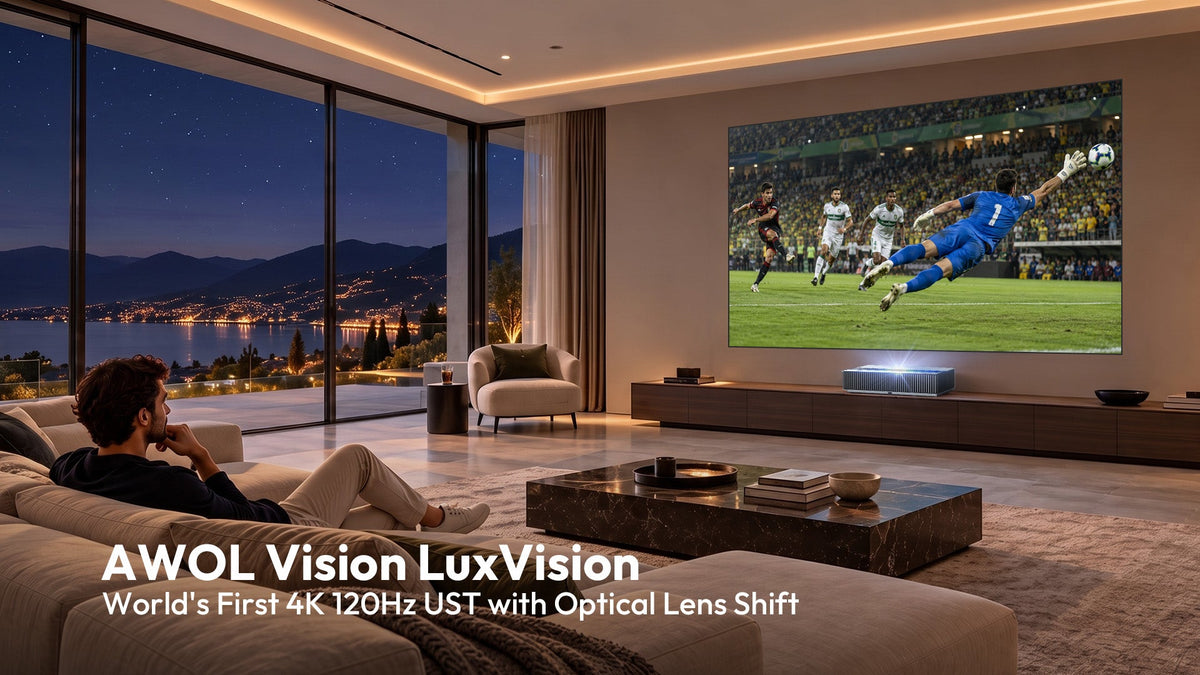




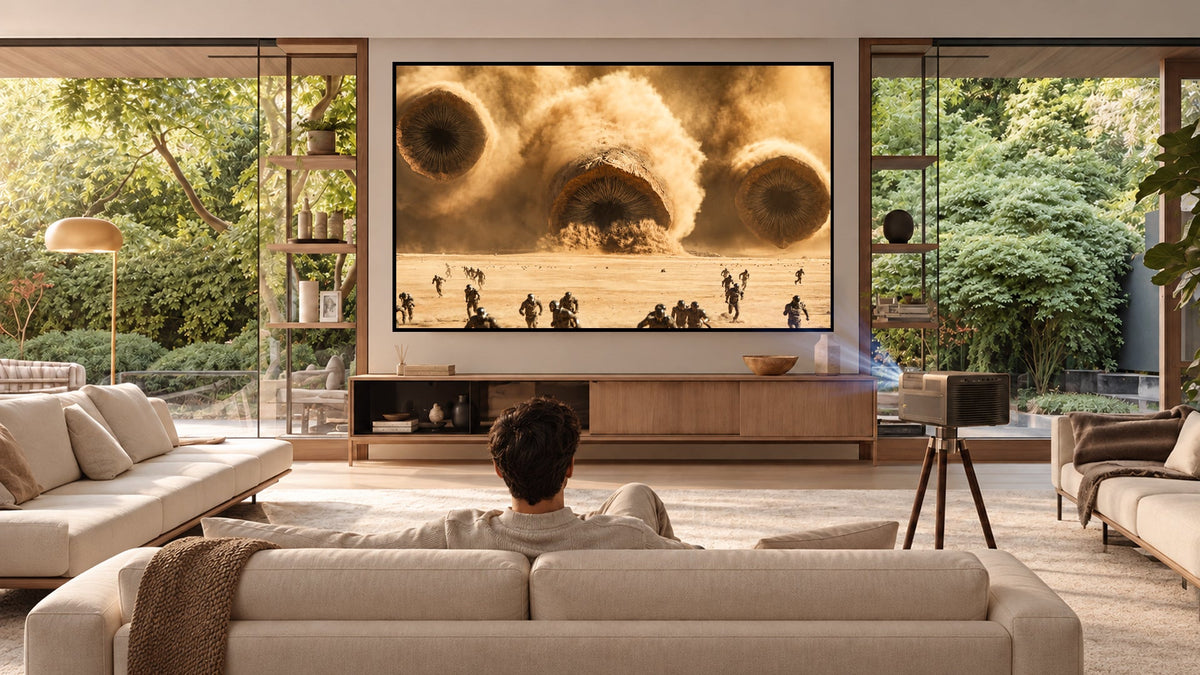
The projector you just unboxed is almost certainly spectacular. It is also, in a very real sense, only half the system you bought. The other half, the surface it throws light onto, is where the most expensive mistakes happen.

Over the past three years, triple-laser RGB projection has moved from exotic to mainstream. In Q1 2026 alone, Chinese mainland brands captured 49.6% of global laser projector shipments. Brightness that once required a commercial venue now sits in a living room cabinet.
But most buyers still treat the screen as an accessory rather than a component. That mismatch is the single largest source of buyer's remorse in premium home theater today.
What Triple-Laser Actually Means and Why It Changes Screen Selection

A triple-laser projector uses three separate laser diodes (red, green, and blue) rather than a blue laser exciting a phosphor wheel. The result is wider color gamut coverage (often 110% or more of BT.2020), higher native contrast potential, and significantly more light output per watt.
The current flagship landscape includes several models that define what bright now means:
-
Hisense XR10
- Type: Long-throw flagship
- Core Engine: Pure RGB triple-laser engine paired with the new LPU 3.0 Digital Laser Engine
- Key Specs: Up to 6,000 ANSI lumens, 118% BT.2020 coverage, a 6,000:1 native contrast with dynamic IRIS, and speckle reduction below 6%.
- Projection Size: Ranges from 65 to 300 inches.
-
Hisense M2 Pro
- Type: Compact 4K TriChroma unit (weighs just 3.9 kg)
- Key Specs: 1,300 ANSI lumens and Delta E < 1 color accuracy, positioning triple-laser at a far lower entry point.
-
AWOL Vision Aetherion Series (Max and Pro)
- Type: Ultra-Short-Throw (UST) RGB laser projectors
- Core Engine: PixelLock precision optical engine with Dolby Vision support and 1 ms class gaming latency.
- Key Specs: 3,300 ISO lumens. The Max is capable of 200-inch images at a 0.18:1 throw ratio with 110% Rec.2020 coverage.

-
XGIMI Titan Noir Max
- Type: 4K smart flagship (debuted at CES 2026)
- Core Engine: New dynamic iris system for improved contrast, positioned as an ultra-high-end home theater model with Q1 2026 preorders.

-
Epson Lifestudio Grand
- Type: High-brightness laser system for ambient-light viewing
- Core Engine: Integrated smart entertainment platform featuring Google TV and Gemini AI.
-
JMGO IRIS Ultra Max
- Type: Long-throw triple-laser flagship
- Key Specs: 6,500 ISO lumens, 10,000:1 contrast ratio, and 0.88 to 1.7:1 optical zoom, designed for users who want flagship brightness without a UST footprint.

The Core Issue: Notice the pattern: brightness figures have climbed past 4,000 to 6,500 lumens in the flagship tier. And that is precisely where the trouble begins.

The White Wall Problem and the White Screen Problem
If you have spent five figures on a projector and then pointed it at a bare white wall, you already know something feels wrong. The image is bright, aggressively so, but the dark scenes look gray and washed out. White subtitles bloom into halos. The black bars on a 2.39:1 film look like fog.

This is not a calibration issue. It is physics.
1. Diffuse Reflection & Contrast Collapse
A white wall, or a standard matte white screen, reflects light diffusely and without discrimination. When the projector outputs 5,000 or more lumens, that diffuse reflection floods the room with uncontrolled light. Contrast collapses because the screen has no mechanism to reject the projector's own light from bouncing back into the viewer's field of vision. The result is an image that feels less like cinema and more like a very expensive PowerPoint presentation.
2. Laser Speckle & The Cruel Irony
Because laser light is highly coherent (all waves vibrating in phase), it interferes with itself when it reflects off surfaces that appear smooth but are microscopically rough. This produces laser speckle: a fine, glittering grain that sits on top of the image like a layer of static.
- On a white wall: Speckle is visible but somewhat masked by the diffuse reflection.
- On a high-gain ALR screen: Because the oriented microstructures deliberately direct light toward the viewer rather than scattering it, the interference patterns become dramatically more pronounced.
Industry Reality: Laser speckle is not a defect or a manufacturing error; it is a natural optical phenomenon. The question is whether your screen architecture is designed to manage it. A high-lumen laser projector requires a screen engineered for laser light, with the optical structure and material formulation to both reject ambient light and suppress coherence artifacts.
Scenario-Based Selection Guide: Core Screen Technologies Compared
To handle different projector formats (UST vs. Long-Throw) and lighting environments, distinct screen architectures are required. This table breaks down the direct trade-offs:
| Screen Solution | Optical Architecture & Principle | Core Strengths | Key Trade-offs | Best Use Cases & Recommended Products |
|---|---|---|---|---|
| Fresnel Screen | Concentric circular microstructures that redirect light from a specific throw angle. | Highest peak gain (typically 1.2+); strong ambient-light rejection; roughly 40% brighter than white screens and 140% brighter than competing ALR designs. | Narrower viewing angles; sitting too far to the side causes the image to dim or shift in color. |
Bright Living Rooms + UST Projectors · Product Link: NothingProjector Fresnel Optical Screen (Measured real gain of 1.24) |
| Lenticular Screen | Horizontal or vertical prismatic ridges that capture steep light from below and absorb ceiling/side light. | Wider viewing angles; uniform light distribution; excellent laser speckle reduction performance. | Lower peak gain (typically 0.6 to 0.8); sacrifices raw brightness for seating flexibility. |
Shared Living Rooms / Multi-seat Theaters + UST Projectors · Fixed Frame: NothingProjector Black Series Fixed Screen (5-layer HBSP composite film, seamless over 130") · Floor-Rising: NothingProjector Floor-Rising ALR Screen (HBST PET material, 95% ambient light rejection) |
| Long-Throw / Gray Screen | Metallic ALR coatings or white fiberglass anti-light rigid surfaces engineered for shallower incidence angles. | Distributes light evenly across the viewing area; prevents brightness hotspotting; deepens black levels in dark environments. | Cannot handle extreme UST angles; absolutely non-interchangeable with UST screens. |
Dedicated Dark Rooms OR Long-Throw / Gimbal Projectors · Target Gear: JMGO IRIS series and standard long-throw systems. For 5,000+ lumen engines in dark rooms, a gray screen with a gain around 0.8 is ideal. |


Enthusiast Community & Reviewer Feedback
- The Hook Up (One of the most-watched projection reviewers on YouTube): Placed the NothingProjector Black Series second in its comprehensive ALR screen comparison, specifically recognizing it for speckle reduction performance.
- AVS Forum Recognition: The Black Series was honored with an AVSForum product award for its 95% ALR performance. Community members noted: "NothingProjector's Black Series is better at rejecting ambient light. Its performance in daylight is also quite strong."
- Pricing Context: Comparable lenticular ALR screens from brands like Lumene, Stewart Filmscreen, and Screen Innovations frequently cost two to three times more at the same size. One AVS Forum member summarized it plainly: "They look great. I did look but nearly 2x the price so it was a case of head over heart on this."
The Unsexy Essentials: Cabinet, Placement, and Thermal Management
A flagship UST projector is not a set-and-forget device. It is a precision optical instrument that requires millimeter-level alignment with its screen and continuous thermal management during operation.
1. The Alignment Problem
A UST projector at a 0.18:1 throw ratio is effectively projecting from a few inches away. A two-centimeter shift in position—a child brushing past the cabinet, a pet jumping onto the console, or an overzealous dusting—can throw the entire image geometry out of alignment. Recalibrating manually takes 15 to 30 minutes of iterative adjustment.
- The Solution: Purpose-built UST cabinets (such as the WUPRO Cinema Sweetheart or similar solutions) incorporate a telescopic platform with millimeter-level geometry control. This keeps the projector locked in position even if the surrounding furniture is disturbed. It also neatly hides the cable jungle (HDMI, power bricks, streaming sticks, gaming consoles) into pull-out drawers.
2. Thermal Reality
Laser projectors generate sustained heat. While sealed optical engines with liquid cooling (like the one in the Hisense XR10) are designed for 7x24 reliability, they require adequate ventilation. Inside an enclosed cabinet with no airflow design, even the best cooling system will eventually trigger thermal throttling:
- The Consequences: The projector automatically dims its light output and increases fan speed to protect itself. The image darkens, and the fan noise rises, compromising the cinema experience.
- What to Look For: Cabinets with dedicated passive ventilation channels or temperature-triggered active cooling fans that only engage when internal temperatures cross a set threshold.
3. Audio Integration and Lip-Sync
A 120-inch image paired with built-in projector speakers is a waste of the visual experience. However, routing audio to an external soundbar or AV receiver introduces processing latency that causes lip-sync errors (dialogue arriving slightly before or after the corresponding mouth movements).
- Technical Remedy: Always use HDMI eARC (Enhanced Audio Return Channel), which provides a dedicated audio path with far better timing coordination than older ARC or Bluetooth connections.
- Calibration Method: Utilize the built-in lip-sync adjustment (typically found in projector or soundbar menus ranging from 0 to 250 ms in 10 ms increments). Start with a small positive delay (audio after video) of 20 to 40 ms and adjust from there. For gaming, eARC delivers the tightest synchronization because the signal path is shorter and supports native HDMI latency indication protocols.
The Buyer's Checklist: Where Bright Laser Setups Go Wrong
- Matching the wrong screen architecture to the projector: A lenticular UST screen will not perform correctly with a long-throw projector, and a long-throw ALR screen will produce severe uneven brightness (hotspotting) with a UST unit. The optical structures are directionally specific; buying an ALR screen without verifying throw geometry is an expensive mistake.
- Chasing gain numbers without considering viewing geometry: A 1.5-gain screen sounds appealing on paper, but it narrows the viewing cone drastically. If anyone watches from a side seat, the brightness falls off a cliff. For shared living rooms, a 0.6 to 0.8 gain lenticular screen with wide viewing angles is almost always the superior choice.
- Forgetting that cabinets are not just furniture: A standard media console is designed to hold a TV. A UST projector cabinet is engineered to maintain optical alignment and manage heat. Treating them as interchangeable means constant manual recalibrations and an overheating projector.
- Ignoring speckle management in screen selection: Standard high-gain surfaces amplify laser coherence. Look for a screen with a carefully formulated diffusion layer—such as the multi-layer HBSP film used in the Black Series—which tones down speckle into a minor texture rather than a distracting artifact.
- Assuming brightness solves everything: Running a 6,000-lumen projector in a dark room onto a 1.5-gain screen results in an over-bright image with crushed highlights, blooming whites, and grayed-out black levels. Matching the screen gain to the projector's output and the room's light conditions is far more critical than maximizing either number in isolation.
The projector gets the attention. The screen determines whether that attention was justified. For a triple-laser system pushing 4,000 to 6,500 lumens, the screen is not an accessory. It is the optical partner that either completes the system or undermines it.