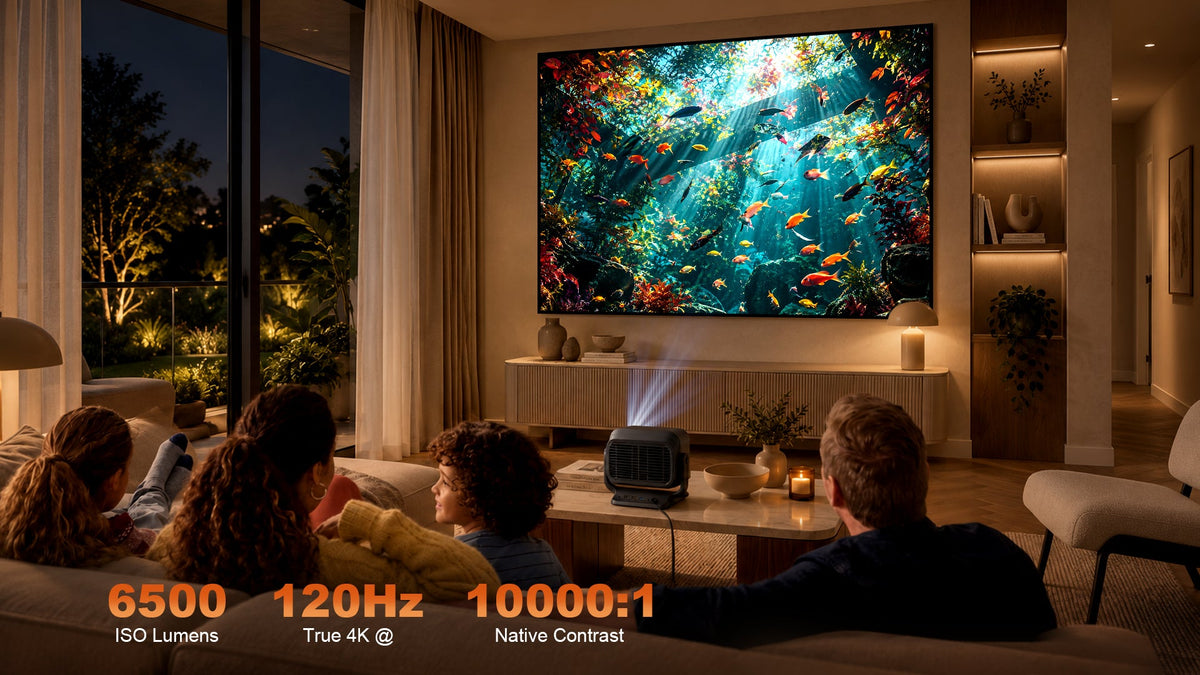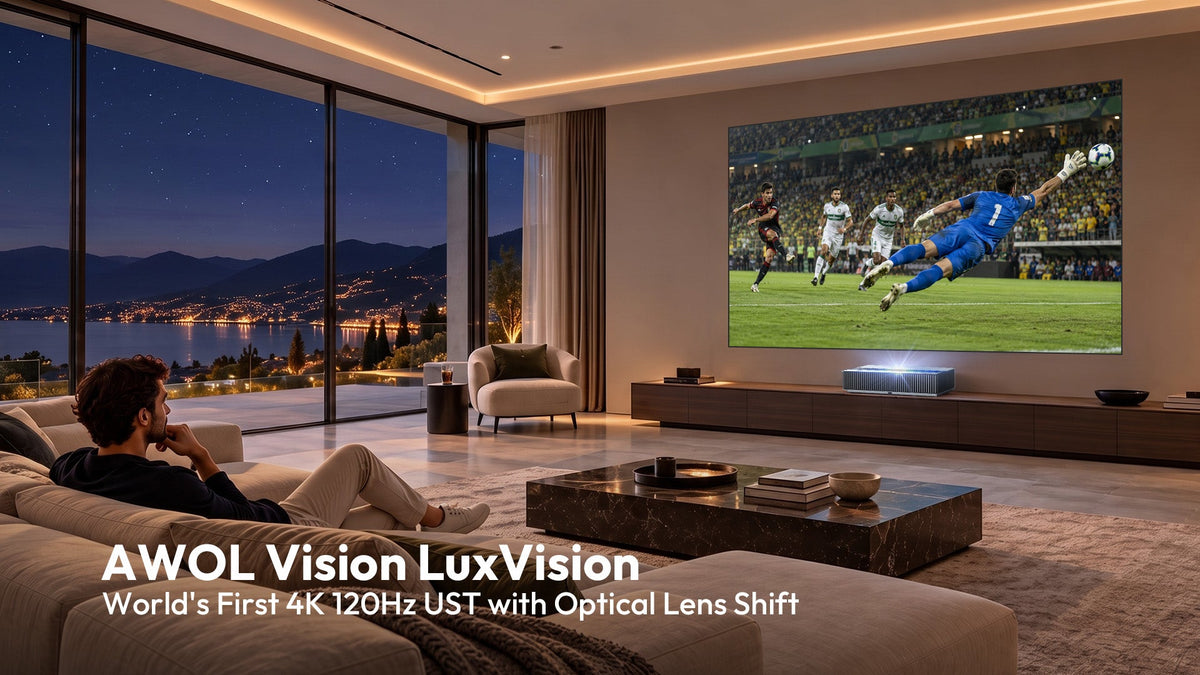




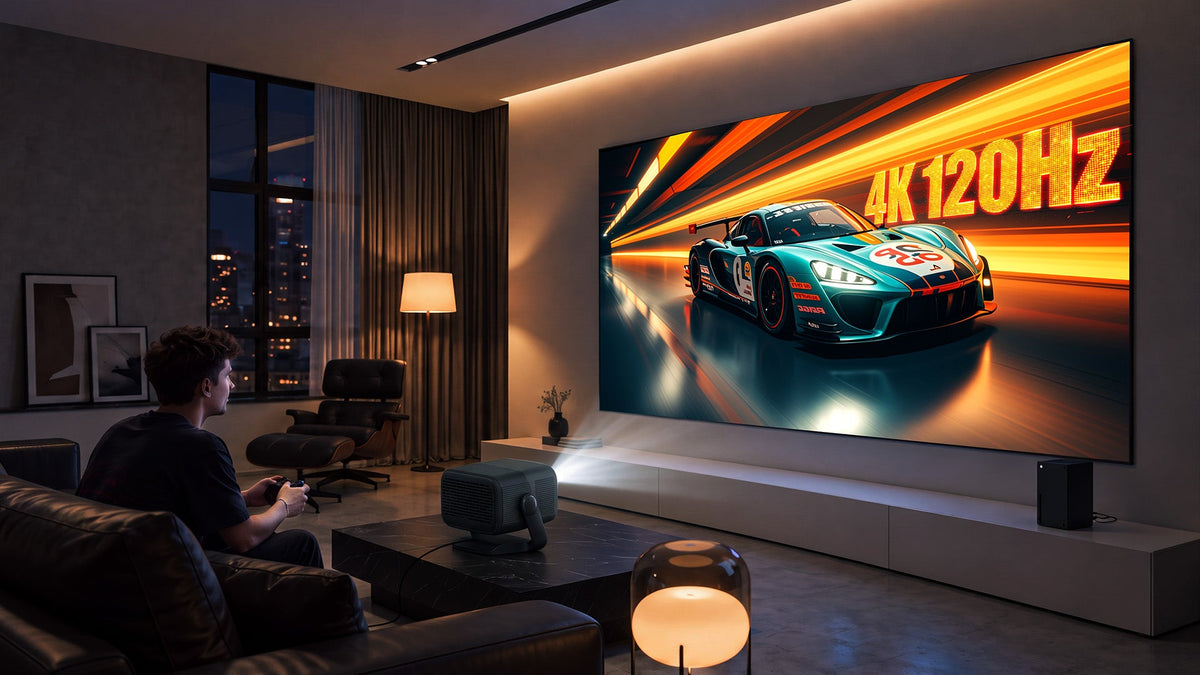
If you have been shopping for a home projector recently, you have probably noticed a new spec creeping into product pages and launch events: 4K at 120Hz. It sounds impressive on paper, but what does it actually change for the person sitting on the couch? The short answer is that 4K 120Hz is not about making your Netflix dramas look sharper. It is about making fast-moving images—gameplay, sports, high-frame-rate video—look genuinely smooth on a very large screen. Let's break down what this spec delivers, who benefits most, and where the trade-offs lie.
What 4K 120Hz Really Solves
For years, home projectors have been excellent at delivering cinematic 24fps content on a 100-inch-plus screen. Movies look great. But the moment you connect a PS5 or throw on a football match, the limitations become obvious: motion blur, judder, and a noticeable delay between your controller input and what appears on screen.
4K 120Hz addresses exactly that problem. The 4K resolution keeps detail intact, while the 120Hz refresh rate ensures the projector redraws the image 120 times per second instead of the standard 60. The result is smoother panning, reduced motion blur, and more responsive gameplay.

This matters most for three use cases:
- Console and PC gaming. If you are playing a fast-paced shooter or a racing game on a PS5, Xbox Series X, or a gaming PC, 120Hz at 4K dramatically reduces tearing and input lag. Your character turns and your car drifts feel more connected to your inputs.
- Live sports. Football, motorsport, and basketball involve constant high-speed motion. With 120Hz and effective MEMC (motion estimation and motion compensation), the ball's trajectory and the movement of players stay coherent rather than dissolving into a smear.
- High-frame-rate native content. A growing number of films and shows are shot or mastered at frame rates above 24fps. A 120Hz-capable projector can display those frames without pulldown artifacts or interpolation guesswork.

For everyday TV series, documentaries, and standard 24fps films, the benefit of 120Hz is far less pronounced. If your viewing diet is mostly streaming dramas, you are better off investing in brightness, color accuracy, and contrast rather than chasing a higher refresh rate.
Why High Refresh Modes Sometimes Degrade Picture Quality
Here is where things get complicated, and where most marketing materials stay quiet.
To hit 120Hz at 4K, a projector has to process and display twice as many frames per second as it does at 60Hz. On DLP-based projectors, the DMD chip is already switching rapidly through color segments; doubling the frame rate compresses the time available for each color cycle. Some projector architectures respond by reducing color wheel segments, increasing white-light insertion, or bypassing parts of the color processing pipeline entirely. The observable result: color saturation drops, shadow detail gets crushed, and the image can take on a cooler, washed-out cast.
On 3LCD and LCOS projectors, the bottleneck is different. LCD crystals have a finite response time, and at very high refresh rates they may not fully transition between states before the next frame arrives. This can introduce smearing or reduced contrast in motion.
There is also the issue of image processing bypass. To achieve low input lag in game mode, many projectors disable or simplify their video processing engines—dynamic contrast, advanced color management, and motion interpolation are often switched off. The trade-off is deliberate: you get responsiveness, but you lose the "cinematic" look that the projector's full processing chain would otherwise deliver.
This is why one machine rarely excels at both gaming and film in the same mode. You need to switch profiles depending on what you are doing. Fortunately, modern projectors make this relatively painless—but more on that later.
Choosing the Right Projector for Your Room
The right 4K 120Hz projector depends entirely on how you plan to use it.
For Serious Gamers
If gaming is a primary use case, prioritize a projector that supports true 4K at 120Hz with HDMI 2.1, VRR (Variable Refresh Rate), and ALLM (Auto Low Latency Mode). Low input lag—ideally under 20ms—matters as much as refresh rate.
Two strong options in this space:
- JMGO N5S Ultra Max. A triple-laser DLP projector with 5,600 CVIA brightness, native 4K, and up to 120Hz refresh, plus MEMC and low-latency game mode. Its integrated gimbal design makes placement flexible, and the tri-color laser engine delivers wide color coverage without a color wheel, which helps preserve saturation even in high-refresh operation.
- Epson EH-LS12000B. A 3LCD laser projector with 2,700 lumens, HDR10+, and HDMI 2.1 supporting 4K/120Hz input. Its input lag in game mode is around 20ms, which is solid for projector gaming, though not as aggressive as some DLP rivals. The 3LCD architecture means no rainbow effect and excellent color brightness, but the high-refresh mode may require calibration to look its best.
Other notable entrants include the XGIMI AURA 3 Max, a UST triple-laser model rated at 5,700 ISO lumens with 4K/120Hz support and Google TV integration, and the AWOL Vision LuxVision, which claims 6,000 ISO lumens and 1ms input lag at 120Hz.
| Projector | Type | Brightness | Resolution & refresh | Gaming features | Notes |
|---|---|---|---|---|---|
| JMGO N5S Ultra Max | Triple-laser DLP | 5,600 CVIA | Native 4K, up to 120Hz | MEMC + low-latency game mode | Integrated gimbal; no colour wheel, so saturation holds up at high refresh |
| Epson EH-LS12000B | 3LCD laser | 2,700 lumens | HDMI 2.1 supporting 4K/120Hz input, HDR10+ | Input lag around 20ms in game mode | No rainbow effect and excellent colour brightness; high-refresh mode may need calibration |
| XGIMI AURA 3 Max | UST triple-laser | 5,700 ISO lumens | 4K/120Hz | Not specified | Google TV integration |
| AWOL Vision LuxVision | Not specified | 6,000 ISO lumens | 120Hz | 1ms input lag at 120Hz | Not specified |
For Film-First Viewers
If your priority is movies, sports, and general viewing, 4K 120Hz is a nice-to-have, not a must-have. Put your budget toward brightness (for daytime viewing), color accuracy, contrast, and throw ratio instead. A projector that delivers 2,500+ lumens with good HDR tone mapping will serve you better than one that hits 120Hz but struggles with black levels.
That said, if you want a single machine that handles both gaming and film competently, the JMGO N5S Ultra Max and Epson LS12000B both offer switchable game and cinema modes. The key is to understand that you will be manually switching between them.
The Screen Matters More Than You Think
A projector is only half the equation. The screen you pair it with determines contrast, ambient light rejection, and color fidelity.

For standard-throw and long-throw projectors, a matte white screen remains the reference standard for accurate color reproduction. The NothingProjector Matte White Motorized Floor Rising Screen (available in 100" and 120") uses a high-grade PVC surface with a gain of 1.3 and a 170-degree viewing angle, supporting up to 8K input. Because it has no selective optical treatment, it preserves neutral color and is ideal for dedicated dark-room theaters. The motorized floor-rising mechanism makes it easy to deploy and retract without permanent wall mounting.
For ultra-short-throw (UST) projectors, you need an ALR screen specifically engineered for the steep projection angle. The NothingProjector Black Series Fixed Frame UST ALR Screen uses a multi-layer PET Crystal structure that rejects up to 95% of ambient light, making it viable even in rooms with some overhead lighting. Its 170-degree viewing angle and 4K/8K compatibility keep the image sharp across the seating area.
If you want the flexibility of a retractable UST solution, the NothingProjector Motorized Floor Rising ALR Screen combines the same 95% ALR PET Crystal material with a floor-rising mechanism. It is compatible with popular UST models such as the Hisense L9H, AWOL Vision LTV-3500, and XGIMI Aura, and includes an acoustically transparent bottom border for center-channel speaker placement.

Matching screen gain to your projector is critical. A high-gain screen can boost perceived brightness but may introduce hotspotting and narrower viewing angles. A lower-gain ALR screen sacrifices some brightness for better ambient light rejection and more uniform color. For UST setups in living rooms, ALR is almost always the right call.
| Screen | Projector type | Surface | Gain | Viewing angle | Ambient light rejection | Best for |
|---|---|---|---|---|---|---|
| NothingProjector Matte White Motorized Floor Rising Screen | Standard-throw / long-throw | High-grade PVC, no selective optical treatment | 1.3 | 170 degrees | Not specified | Dedicated dark-room theatres where neutral colour matters |
| NothingProjector Black Series Fixed Frame UST ALR Screen | UST |
CBSP |
Not specified | 170 degrees | Up to 95% | Rooms with some overhead lighting; permanent installation |
| NothingProjector Motorized Floor Rising ALR Screen | UST | 95% ALR Premium HBST PET | Not specified | Not specified | Up to 95% | Retractable UST setups; acoustically transparent bottom border for a centre channel |

Quick-Switch Settings Guide for Game and Film Modes
Most modern projectors allow you to save custom picture profiles. Here is a starting point for dialing in two distinct modes.
Game Mode
| Setting | Recommendation | Why |
|---|---|---|
| Picture mode | Game / Low Latency | Disables heavy processing to cut input lag |
| Refresh rate | 120Hz (if source supports it) | Smoother motion, lower perceived latency |
| MEMC | Off or Low | Interpolation adds lag; leave it off for competitive play |
| Color temperature | Standard / 6500K–7500K | Avoid "Cool" presets that oversaturate and clip highlights |
| Gamma | 2.2 | Brighter shadows help you spot enemies in dark scenes |
| Dynamic contrast | Off | Prevents brightness pumping during gameplay |
| VRR / ALLM | On | Lets the projector sync to fluctuating frame rates |
Film Mode
| Setting | Recommendation | Why |
|---|---|---|
| Picture mode | Cinema / Filmmaker | Restores full processing chain for color and contrast |
| Refresh rate | 24Hz or 60Hz | 24fps content looks best at native multiples |
| MEMC | Low or Medium | Smooths judder without introducing soap-opera effect |
| Color temperature | Warm / 6500K | Closest to DCI reference |
| Gamma | 2.4 | Deeper blacks for dark-room viewing |
| Dynamic contrast | On (Low) | Enhances perceived contrast without visible pumping |
| Noise reduction | Off | Preserves film grain and fine detail |
The exact menu labels vary by brand, but the logic is consistent: game mode strips processing for speed; film mode restores it for fidelity.
Can You Have Both Without Compromise?
The honest answer is: not fully, not yet. High refresh rate and reference-grade color processing still pull in opposite directions on most projector architectures.
That said, the gap is narrowing. Triple-laser engines like the one in the JMGO N5S Ultra Max avoid the color-wheel bottleneck entirely, which means color saturation holds up better at 120Hz than on single-lamp DLP designs. The Epson LS12000B's 3LCD system maintains color brightness across refresh rates, though its motion handling is interpolation-assisted rather than native at 120Hz.
If minimizing the trade-off is a priority, look for:
- Triple-laser or RGB laser light sources (no color wheel, wider gamut at speed)
- Dedicated game and cinema picture modes that can be saved and switched via remote
- HDMI 2.1 with full 48Gbps bandwidth for uncompressed 4K/120Hz signals
- ALR screens with high color fidelity — a poor screen will mask any projector advantage
The practical workflow is: calibrate two profiles, assign them to quick-access buttons, and accept that you will toggle between them. It takes five seconds and preserves the best of both worlds.
The Bottom Line
4K 120Hz is a meaningful upgrade for gamers and sports viewers who want a big-screen experience without the motion blur and lag that have historically plagued projectors. For film-first viewers, it is a secondary concern. The technology is maturing rapidly—triple-laser engines and improved processing are steadily reducing the color and contrast penalties that once came with high-refresh modes. If you are building a hybrid gaming-and-cinema room, invest in a projector that offers both modes, pair it with the right screen for your throw distance and room brightness, and take the time to set up separate profiles. That is how you get the most out of what 4K 120Hz actually delivers: not sharper still images, but smoother, more responsive motion on a screen that makes you want to keep watching.