

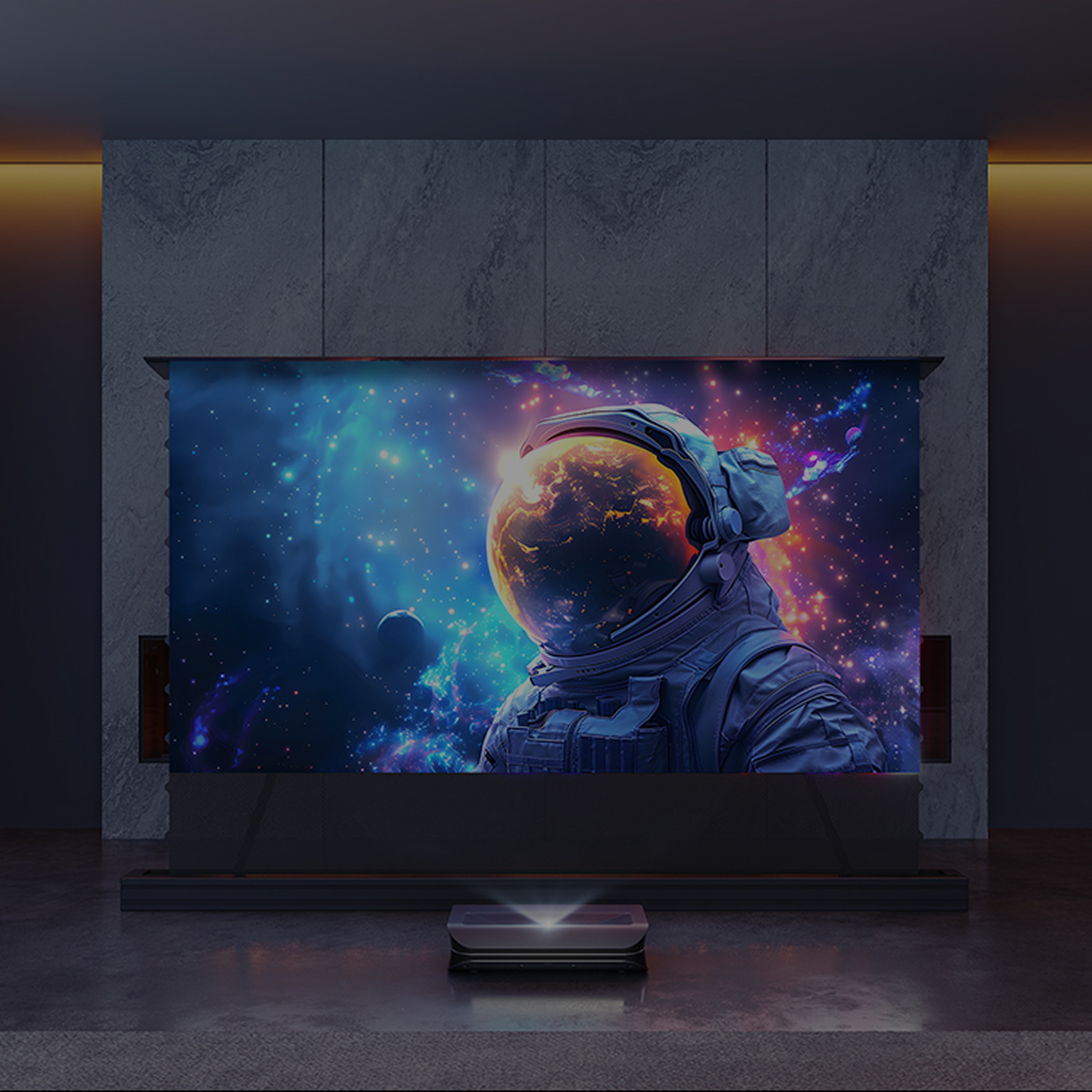
Compatible Projector Brands: Benq / EPSON / Sony / Hisense / SAMSUNG / LG / AWOL VISION / Formovie / Nexigo / XGIMI
Filters
6 products
 Extra 5% OFF
-
 24-48 Hours Dispatch
-
 No tariff. In Stock and Ready to Ship
 Extra 5% OFF
-
24-48 Hours Dispatch
-
No tariff. In Stock and Ready to Ship
 Extra 5% OFF
-
24-48 Hours Dispatch
-
No tariff. In Stock and Ready to Ship
-
24-48 Hours Dispatch
-
No tariff. In Stock and Ready to Ship
 Extra 5% OFF
-
24-48 Hours Dispatch
-
No tariff. In Stock and Ready to Ship
 Extra 5% OFF
-
24-48 Hours Dispatch
-
No tariff. In Stock and Ready to Ship
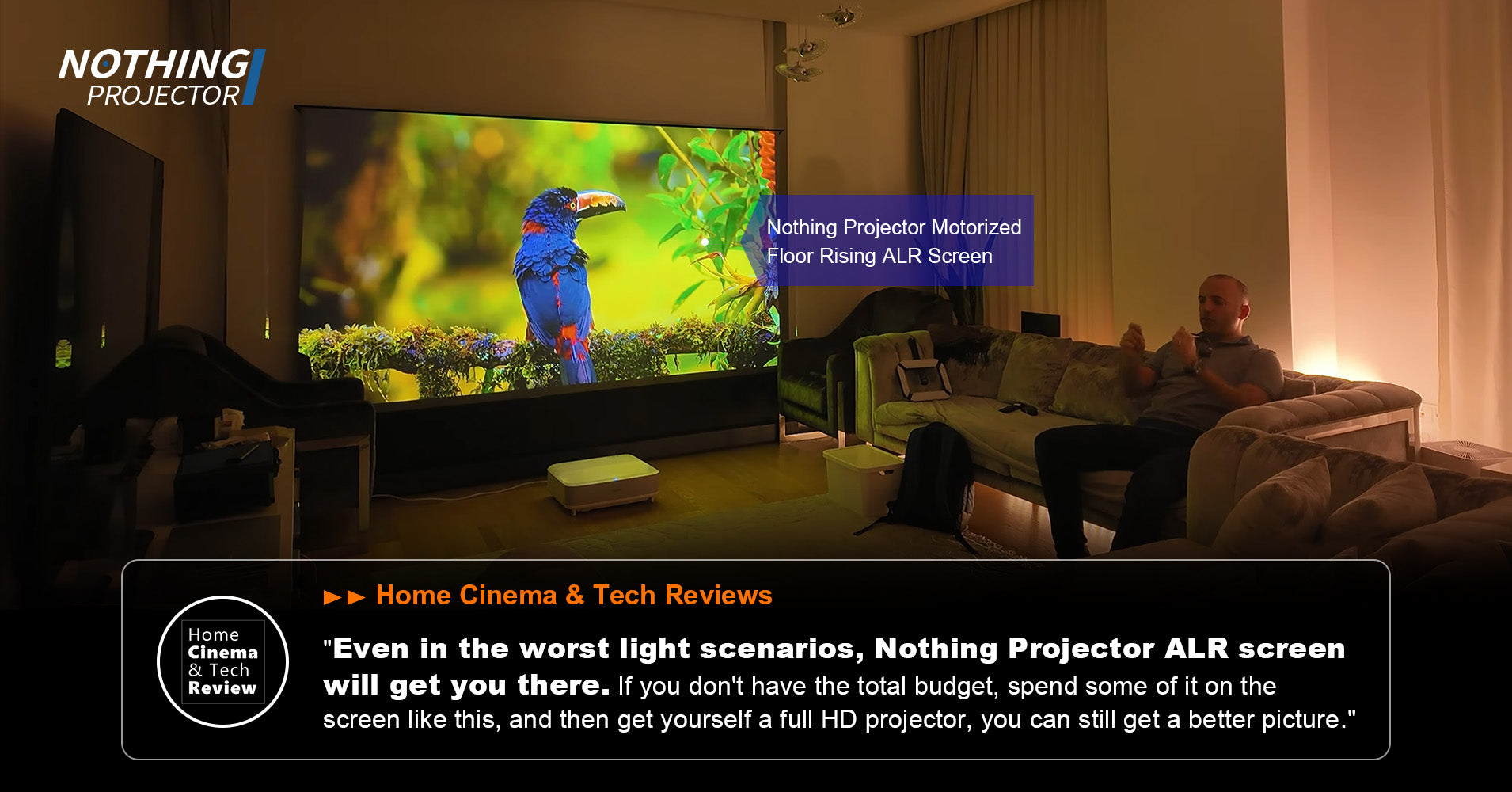
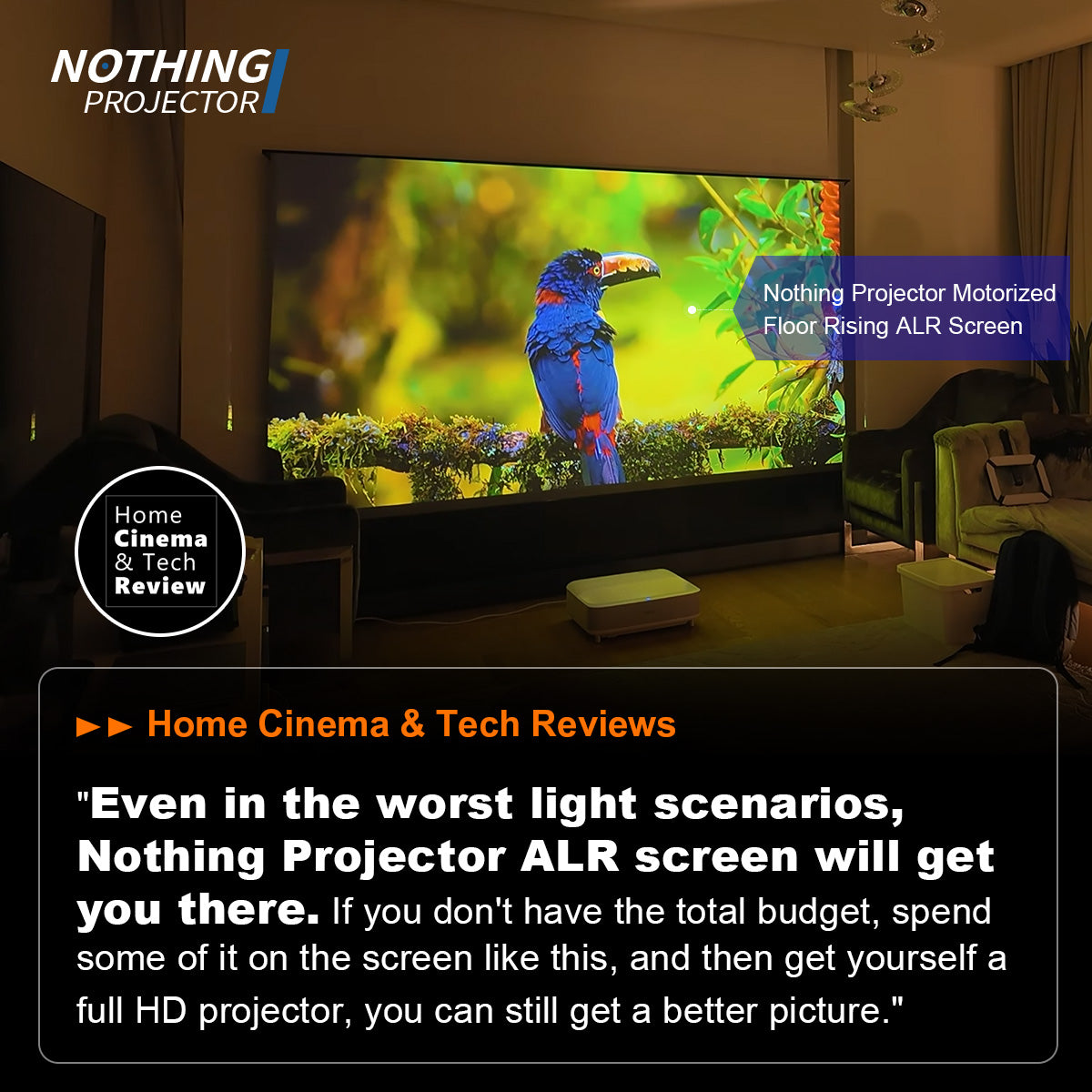
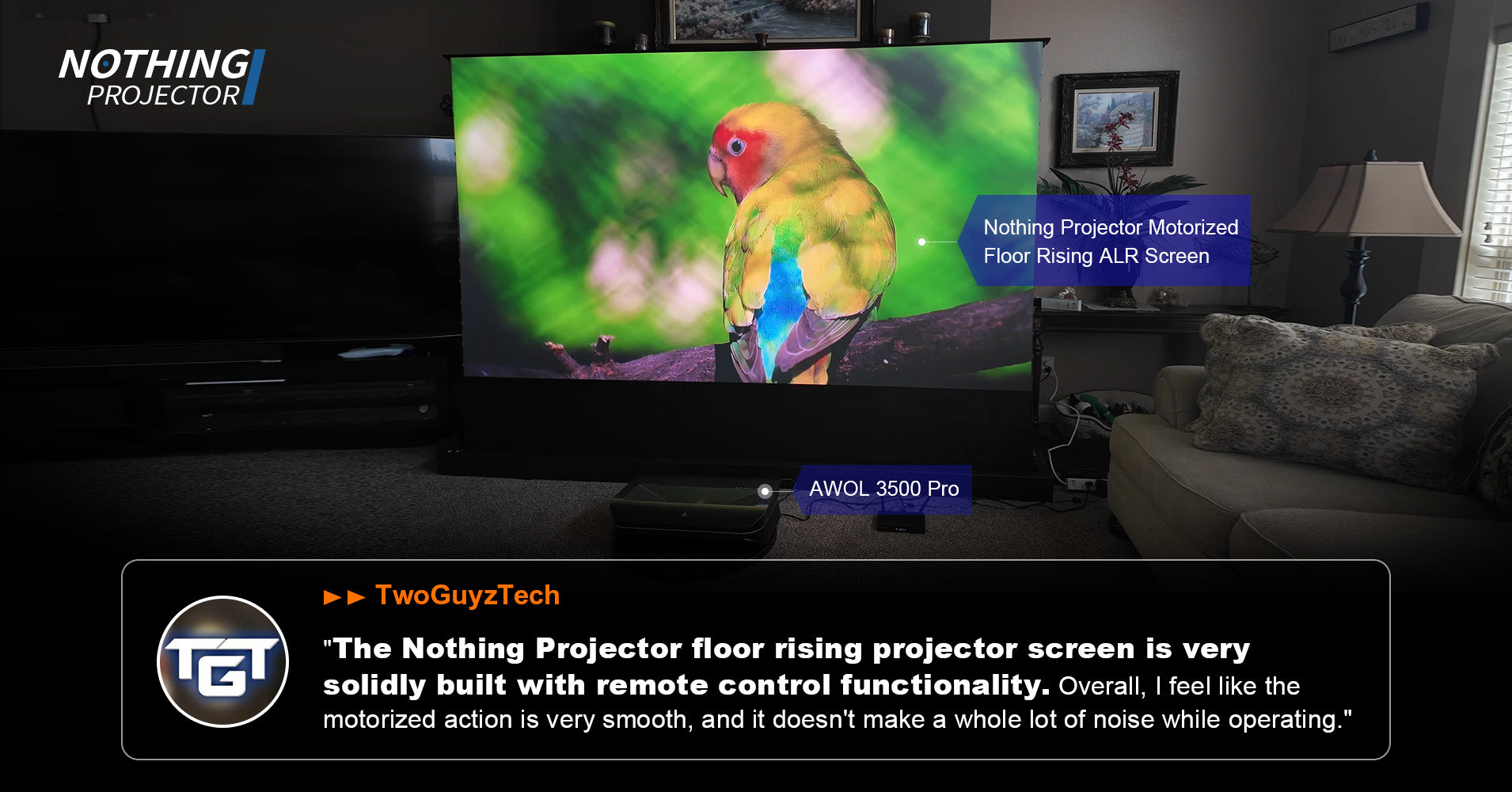
What experts are saying
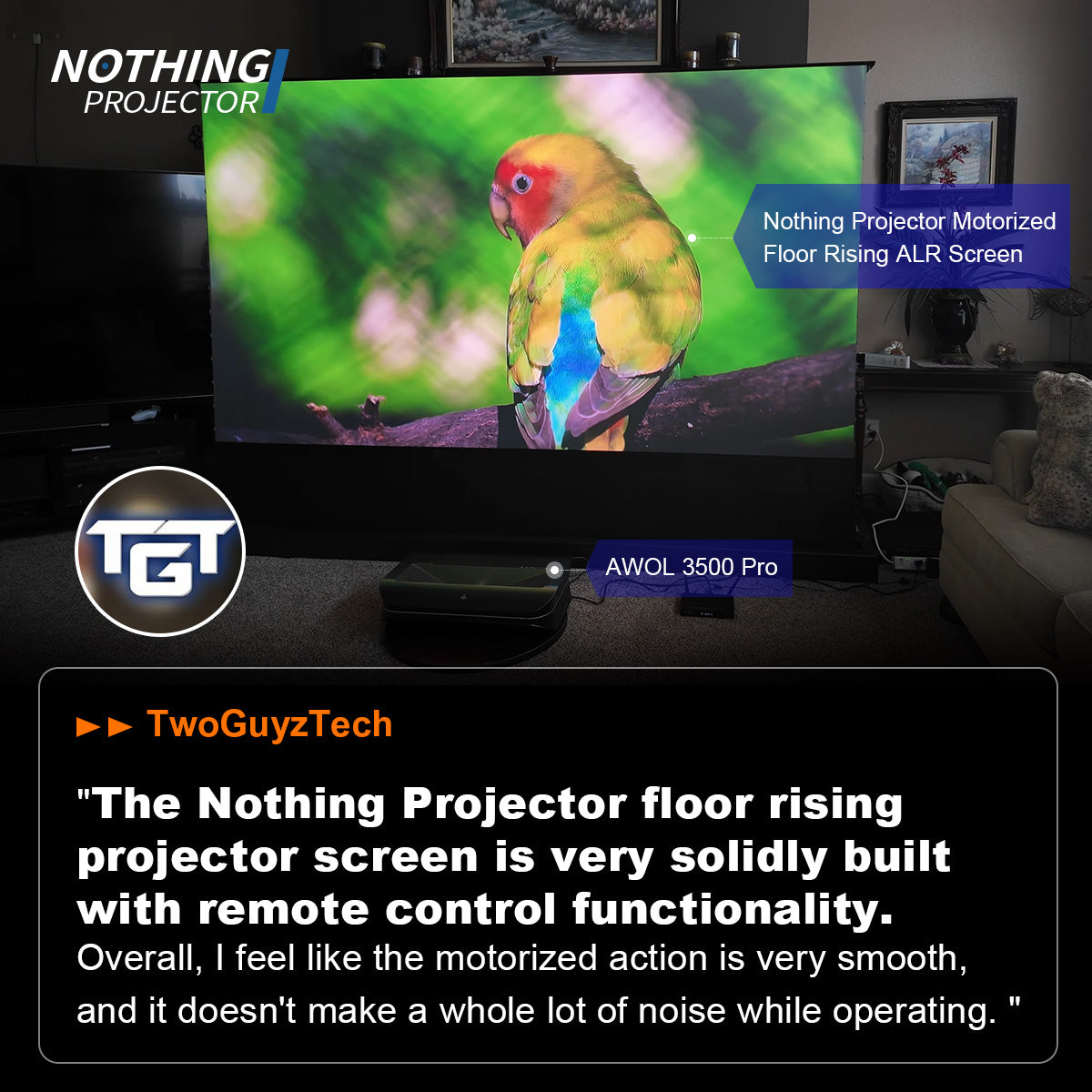
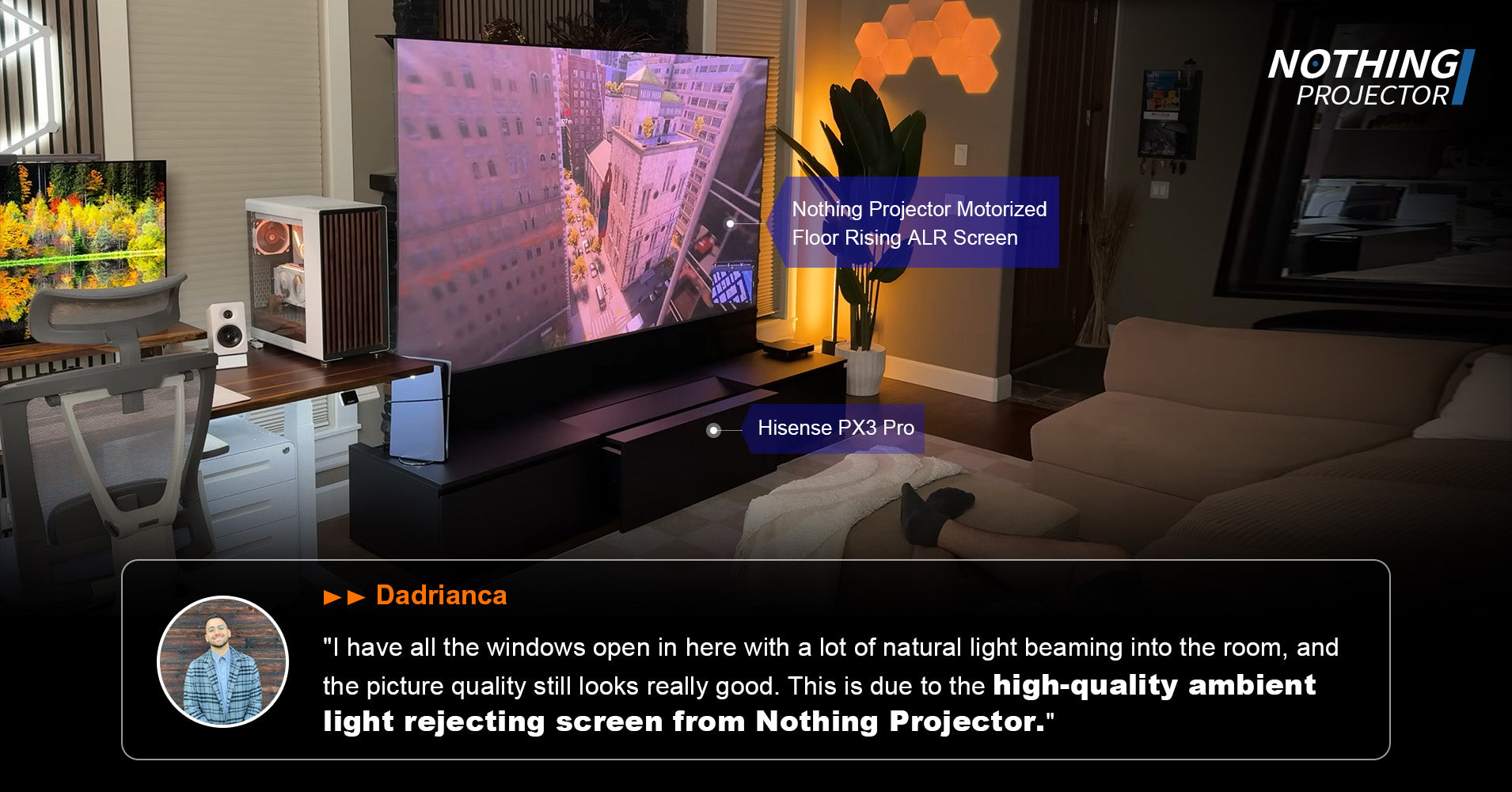
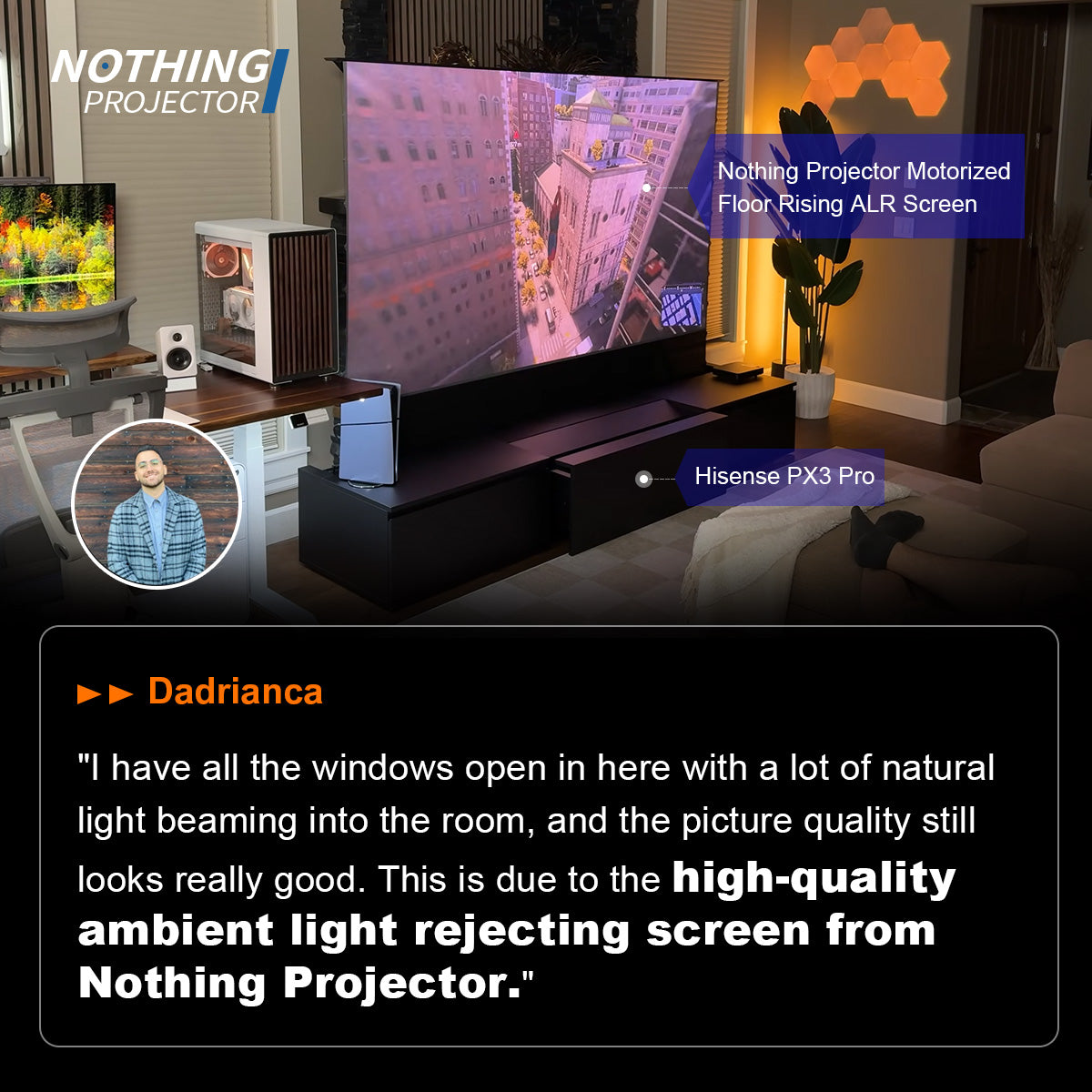
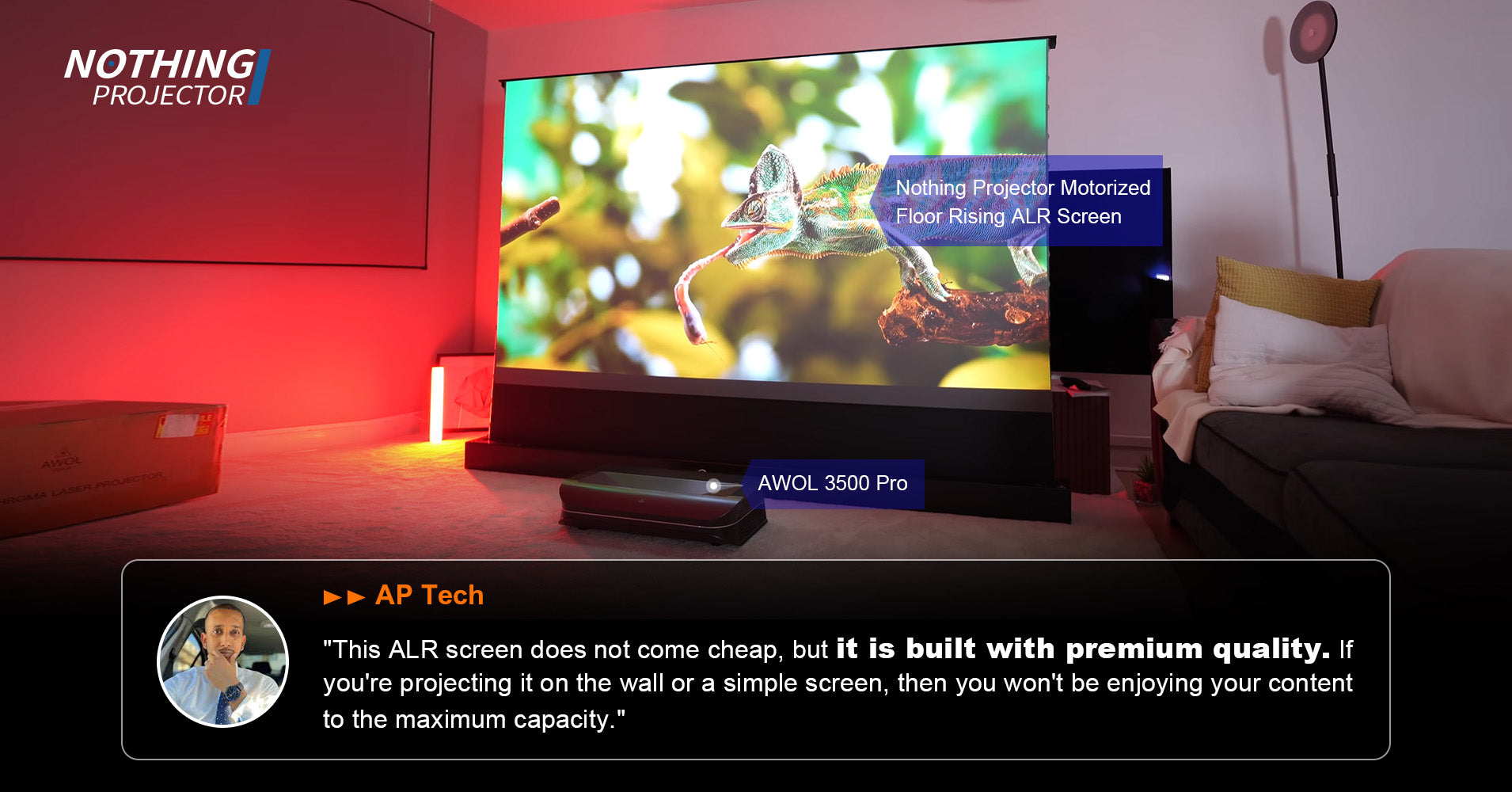
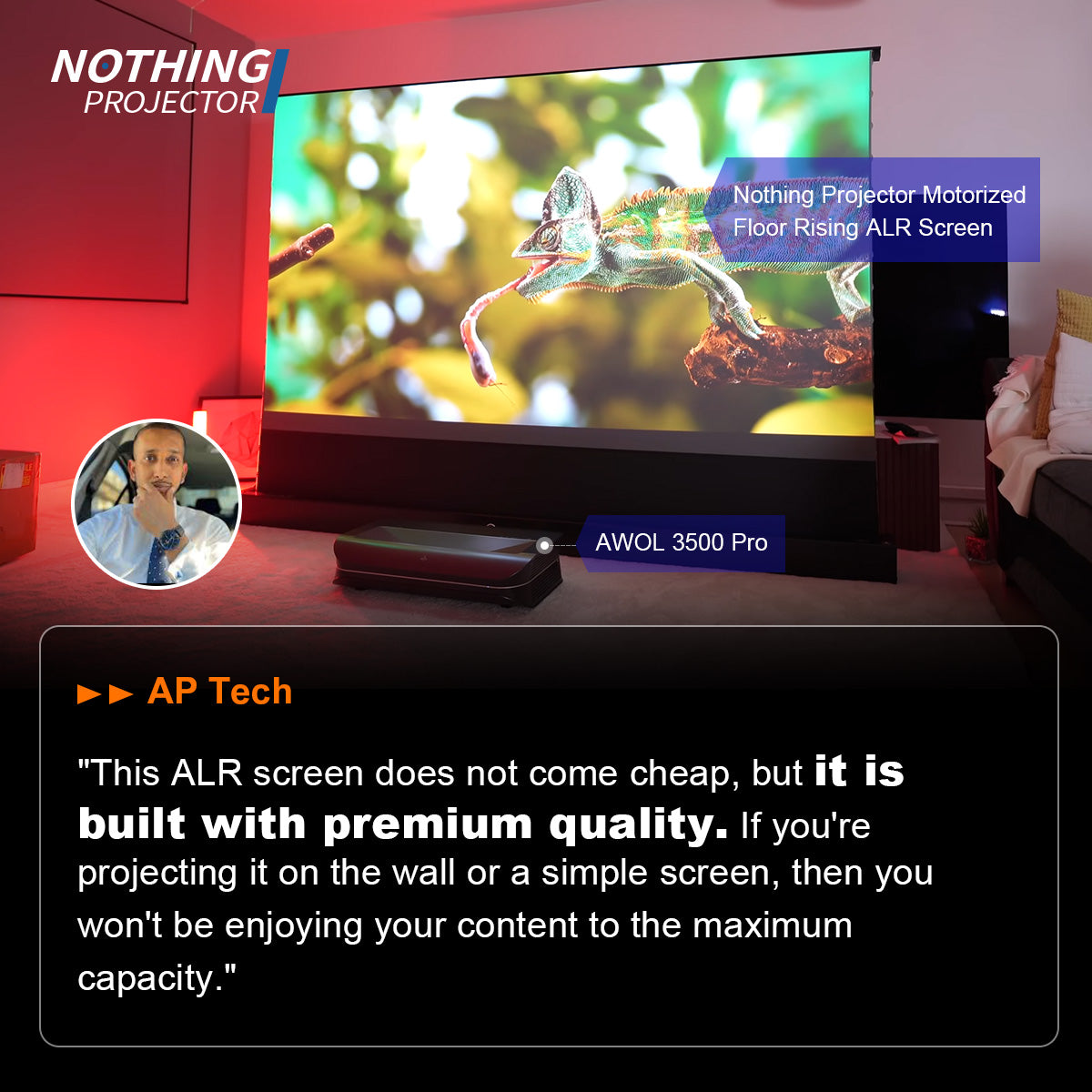
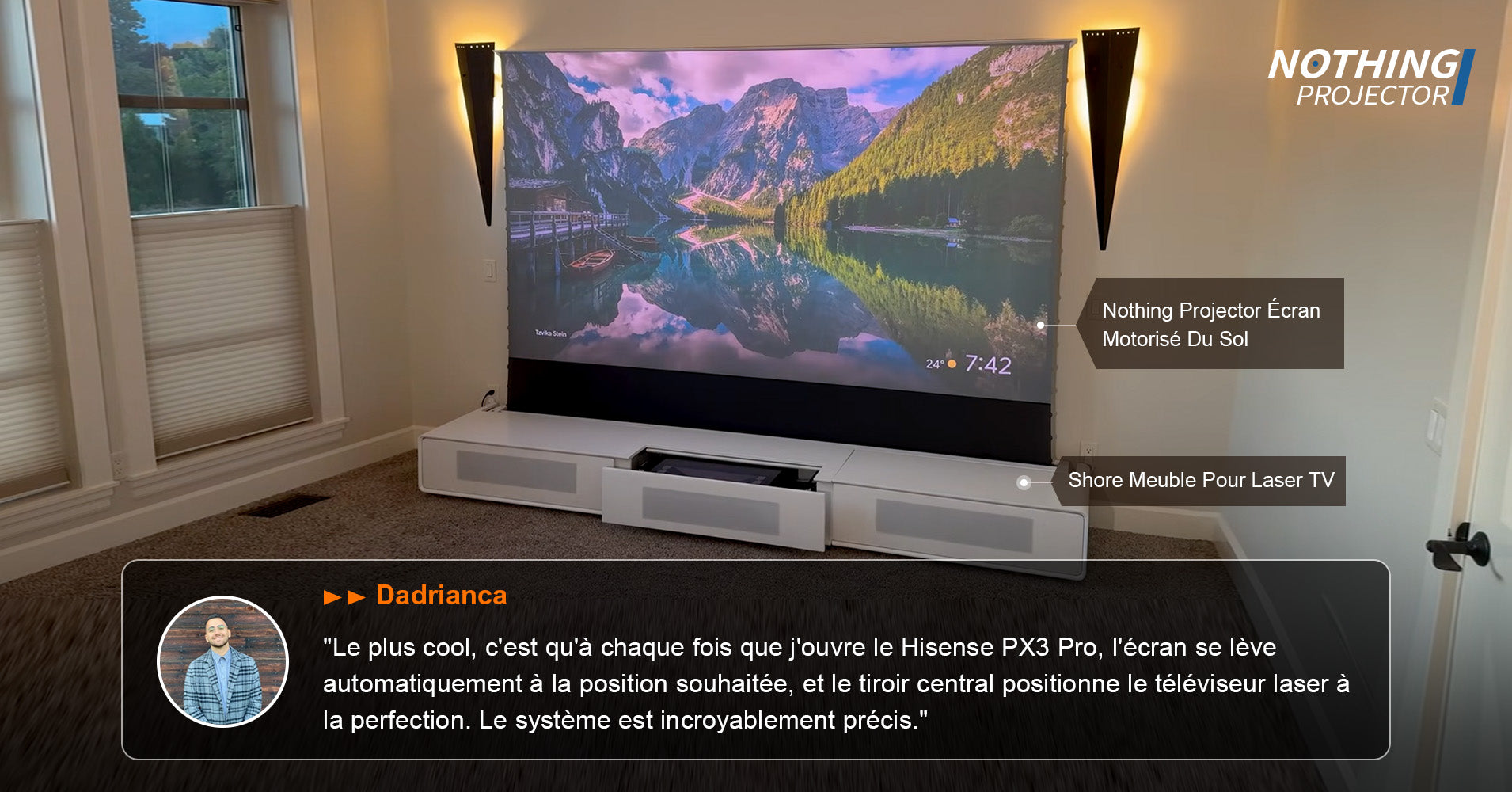
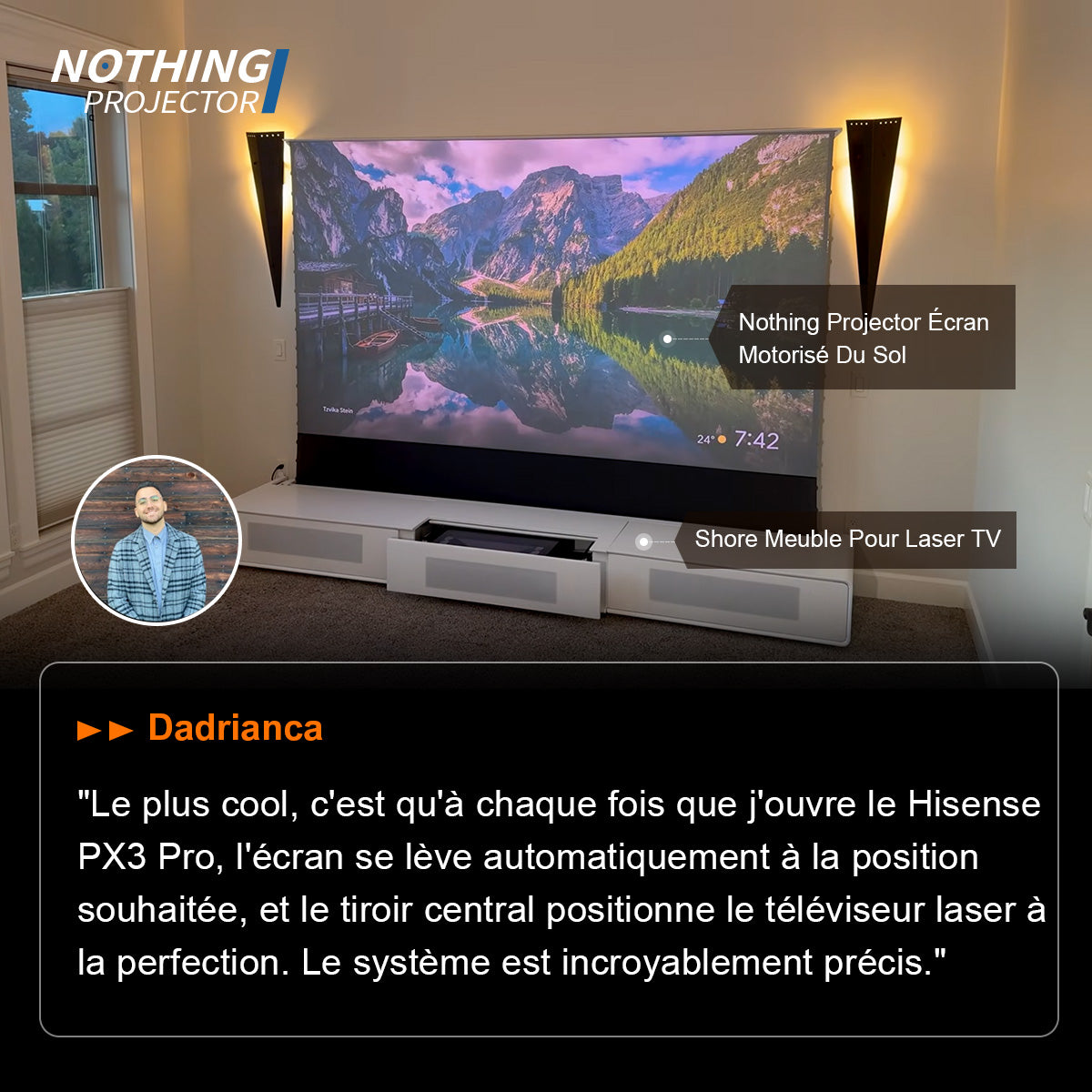
What are the most important things to consider before buying a projector screen?
➤ Crisper Details, True Resolution
A high-quality screen ensures every pixel from your 4K (or higher) projector is displayed with precision. Walls, bedsheets, or textured surfaces distort pixels, reducing sharpness and clarity. A premium screen’s ultra-smooth surface preserves image integrity, so movies, games, and presentations look their absolute best.
➤ Accurate, Vibrant Colors
Not all "white" surfaces are the same. Many reflect subtle tints (yellowish or bluish hues), altering color balance. A professional screen is neutrally calibrated, so colors stay true to the source—no unwanted shifts, just pure cinematic accuracy.
➤ Customizable Brightness & Contrast
Projector screens come with adjustable gain levels, letting you optimize brightness for larger screens or deepen black levels for enhanced contrast. Walls can’t do that—they simply reflect light unevenly, often washing out dark scenes.
➤ Smooth, Noise-Free Images
Textured surfaces (even slightly uneven walls) create visual noise, degrading image quality. A texture-free screen ensures flawless projection, whether you're watching 4K movies or delivering a presentation.
Why a Bigger Screen is (Almost) Always Better:
Nobody regrets going bigger! A larger screen delivers a more cinematic experience, especially for home theaters. Just match the size to your room and viewing distance for the perfect fit.
Find the Right Aspect Ratio for Your Needs:
- 16:9 screens – Ideal for TV shows and movies (standard HDTV format).
- Cinemascope screens – Perfect for film buffs who want that true theater feel.
- 16:10 screens – Great for presentations, with extra vertical space for slides and documents.
Go Textureless for True 4K Clarity:
A smooth, textureless 4K screen ensures your projector’s ultra-HD content shines—no blurring, no artifacts. Textured surfaces (or worse, a plain wall) can ruin the sharpness of your image.
Skip the Bedsheet “Hack" – Get a Real Screen:
Bedsheets might seem like a quick solution, but they cause wrinkles, uneven projection, and washed-out colors. (Plus, who wants extra laundry?)
Upgrade with Smart Screen Features:
- Ambient light rejection – Enjoy clear visuals even with the lights on.
- Acoustic transparency – Hide speakers behind the screen for a clean setup.
- Rear projection – Project from behind for a sleek, space-saving design.
Bundle & Save:
And we must consider discounts when you buy your projector and screen together—smart shopping for a seamless home theater setup!
What are the benefits of using a projector screen?
Many customers ask: "Can’t I just project onto a wall?" The short answer: Yes, but you won’t get the best experience. A dedicated projector screen is engineered to maximize your projector’s performance—delivering sharper details, richer colors, and a truly immersive viewing experience.
Don’t Settle for Less—Your Projector Deserves the Best
If you’ve invested in a high-end projector, pairing it with a proper screen unlocks its full potential. Skip the DIY fixes (walls, sheets, or cheap alternatives) and enjoy crisper, brighter, and more lifelike visuals with a professional-grade screen.alternatives) and enjoy crisper, brighter, and more lifelike visuals with a professional-grade screen.
What is the difference between ALR and CLR screens?
To put it simply, CLR screens are just one type of ALR projector screens.
When choosing an alr screen for ust projector, if you're looking to make a swift decision, we suggest disregarding the ALR and CLR terms.
You only need to consider the material of the screen (Lenticular and Fresnel).
If you want to delve deeper about ALR or CLR screens, you can check out this article
What kind of material do you need for your ust screen:
ust projector screen materials come in two types: Lenticular and Fresnel. These materials differ in their screen structure, leading to variations in display performance.
Generally speaking, we recommend CLR lenticular screens as they are more suitable for ordinary households.
If you only plan to watch it alone, or, if you and your partner plan to sit side by side and don't plan to share your film or game with your other friends, you can choose a Fresnel screen. This is because Fresnel screens offer brighter image during daylight hours compared to lenticular screens. (center vision).
However, for ALR Fresnel screens, the viewing angle is typically only around 70-100 degrees. This means that apart from the central position, where the optimal picture is achieved, the brightness of the image seen from other angles is inferior.
If you're aiming to use your screen and projector as a substitute for a traditional TV, especially for hosting gatherings with friends during happy hour, we recommend opting for a Lenticular screen.
You can read this article for an in-depth look at the difference between the two materials.
A little tip for choosing a Lenticular screen
Budget under 400 EUR :
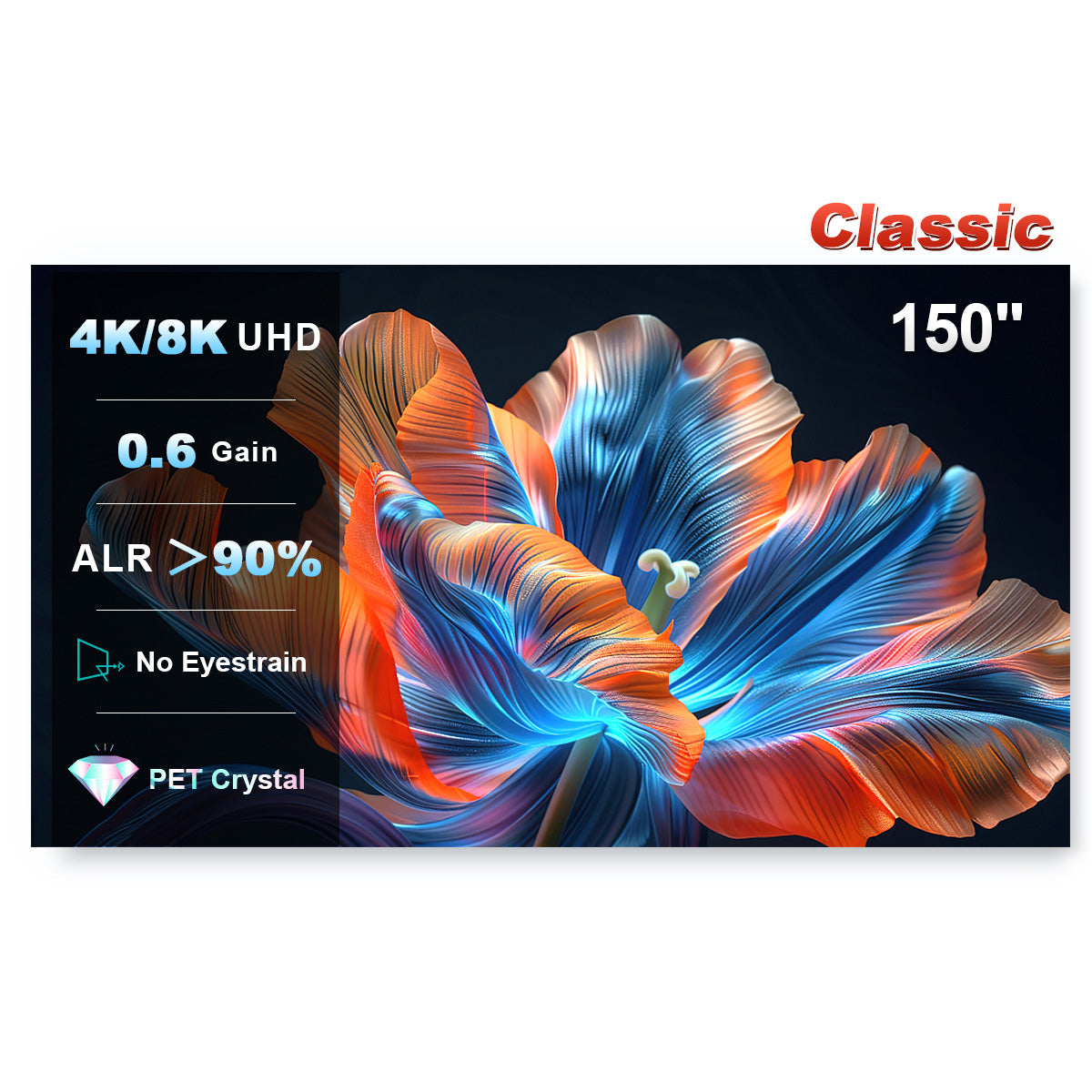
At a price point of around EUR 400, our NP Classic screen provides an excellent viewing experience with exceptional resistance to ambient light, making it a cost-effective choice compared to the average price of EUR700 for quality ultra-short-throw light-resistant screens on the market.
Budget over 600EUR:
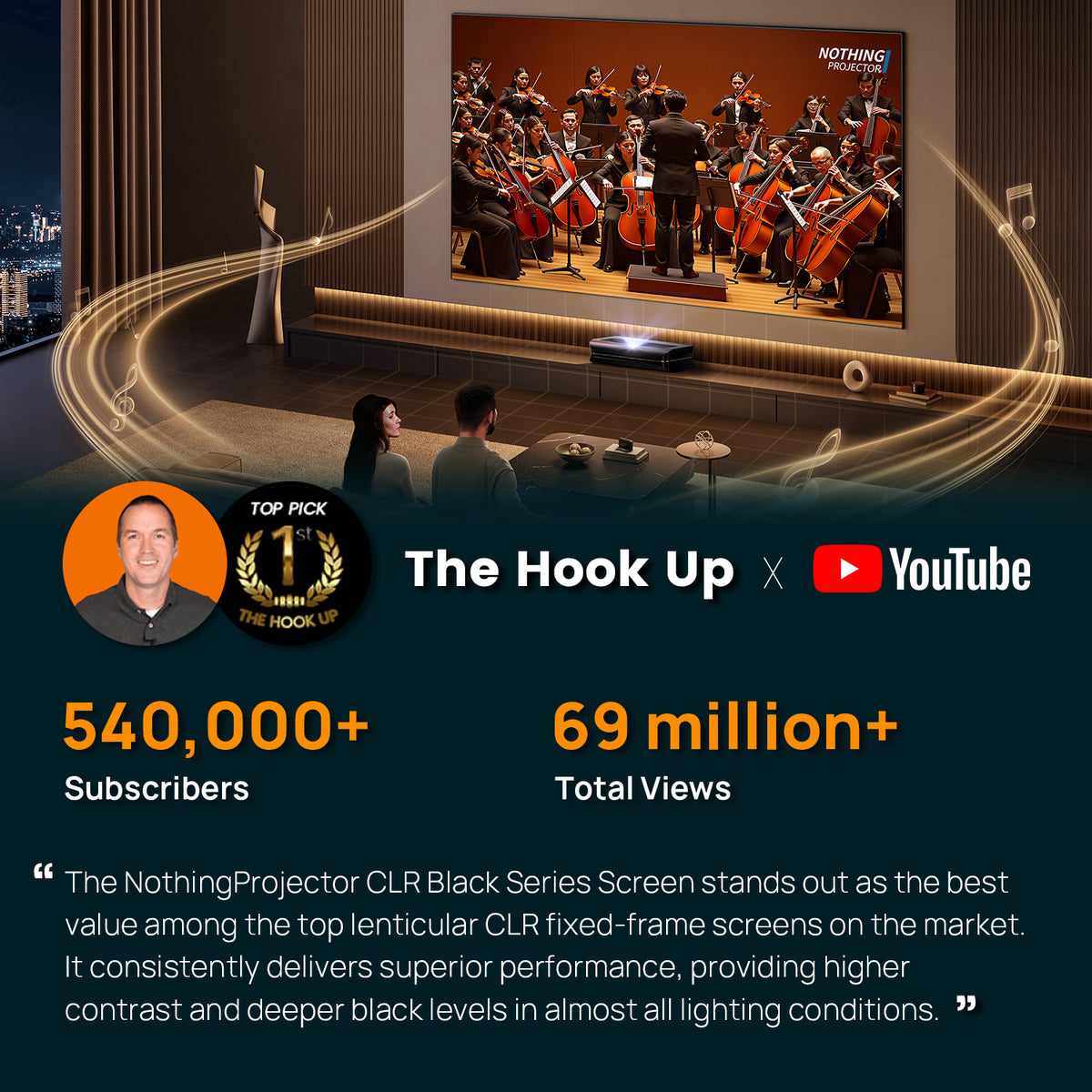
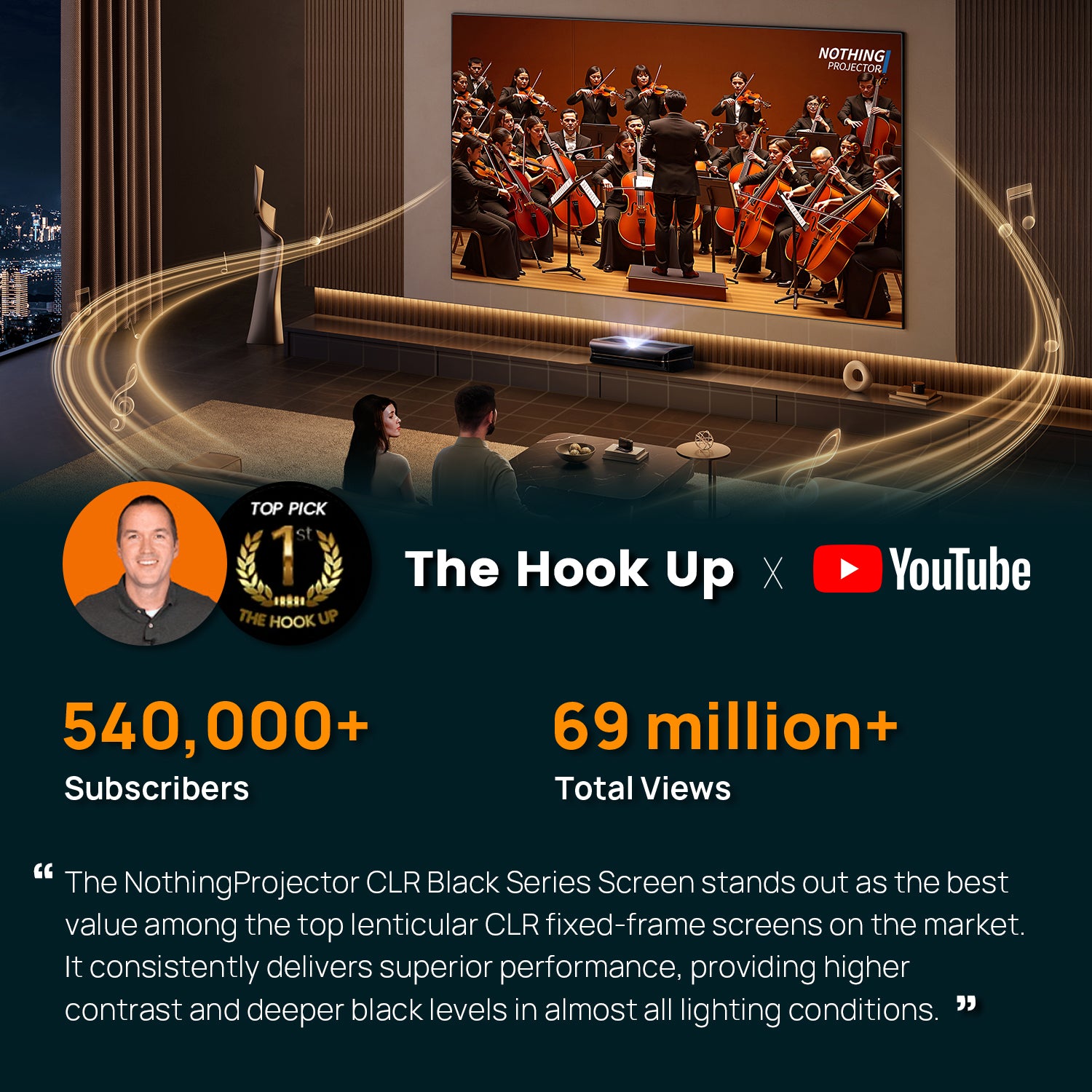
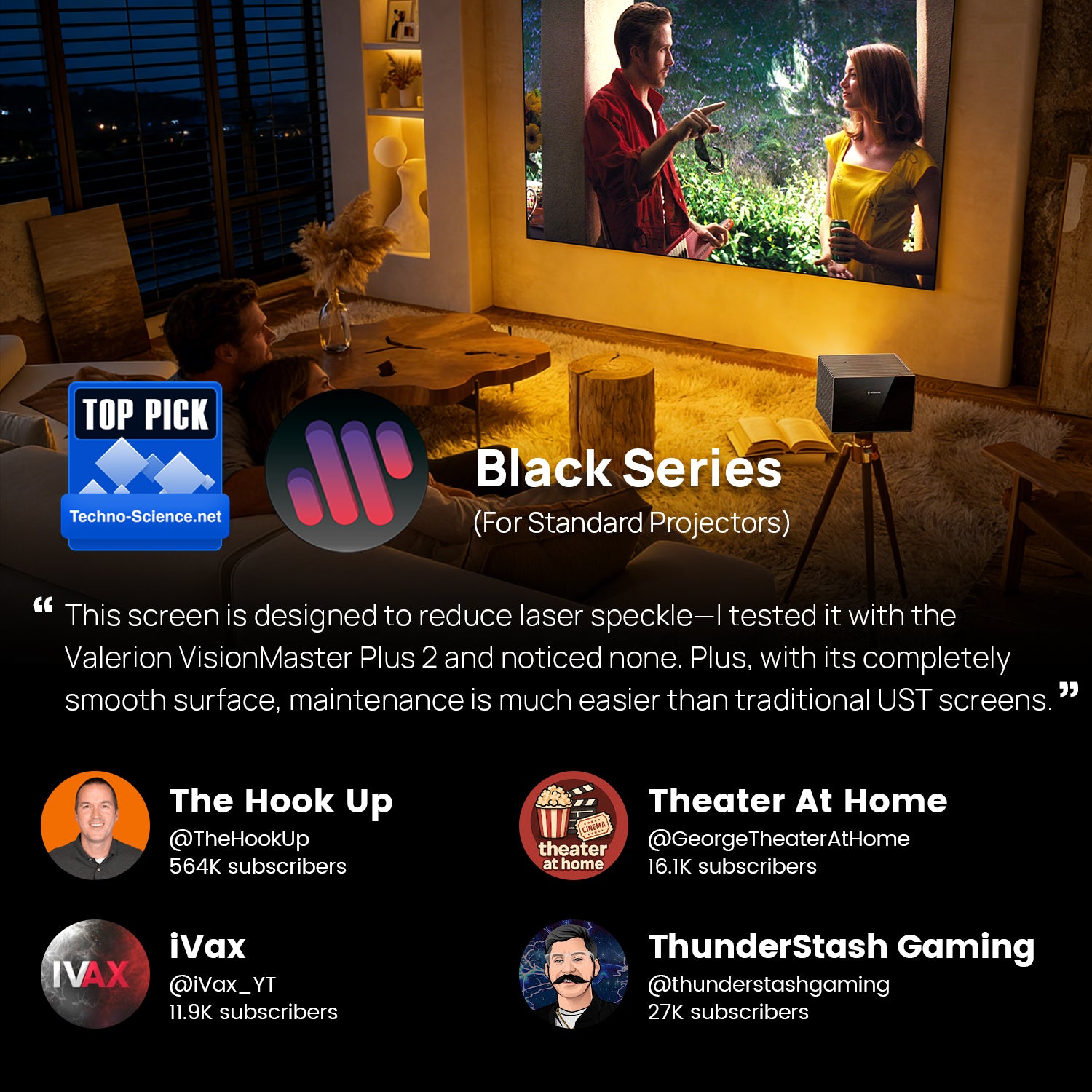
Nothing Projector's Black Series screen curtains are crafted from premium materials, offering exceptional resistance to ambient light. Recognized as the Best Value in an evaluation of 8 ALR ust projector screens by the esteemed smart home reviewer, The Hook Up.
What type of ultra short throw projector screen do you need to choose?
Price from €370
Installation time required (1 hour)
Highest level of screen tension
Price from €1350
Open and use instantly
High level of screen tension
Price from €1200
Installation time required (30 mins)
High level of screen tension
Fixed frame type
Advantage: Affordable price, highest tension among screen types
Disadvantages:
1. It will occupy some space; for example a diagonal of 100-inch or 120-inch screen will span about 2.65 meters which might be a bit challenging for an average family living room.
2.You'll need to install it yourself, and while the installation isn't particularly difficult, it will take at least an hour.
3.Drilling is necessary and may cause damage to your home's walls.
Drop down type
Advantage:
1. Installation requires moderate effort.
2. The retractable screen seamlessly blends into your home's design.
Disadvantages:
Requires wall drilling and higher price point.
Floor rising screen type
Advantage:
- No installation required
- The screen is portable, giving you the flexibility to set up your movie-watching area wherever you prefer
- No need to damage the aesthetics of your home's walls.
- Renter friendly. No need to disassemble the screen when you need to move
Disadvantages:
1. Relatively expensive
Screen Size
A larger screen isn't necessarily ideal. Viewing distance is also crucial to consider. If the distance is too close, similar to sitting in the front row at a cinema, it can lead to eyestrain and discomfort in the neck after prolonged viewing.
The SMPTE (Society of Motion Picture and Television Engineers) suggests positioning yourself at a distance where the screen occupies 30° of your field of vision. This typically translates to a viewing distance ranging from 1.2 to 1.6 times the diagonal size of the screen.
The general formula we recommend is: minimum viewing distance= screen’s diagonal (Inch) *1.2
Therefore, for ust alr screen 120inch, the suggested minimum viewing distance is 144 inches, or 12 feet.
FAQs About Black Series ALR Screens
What is an ALR screen, and do I really need one?
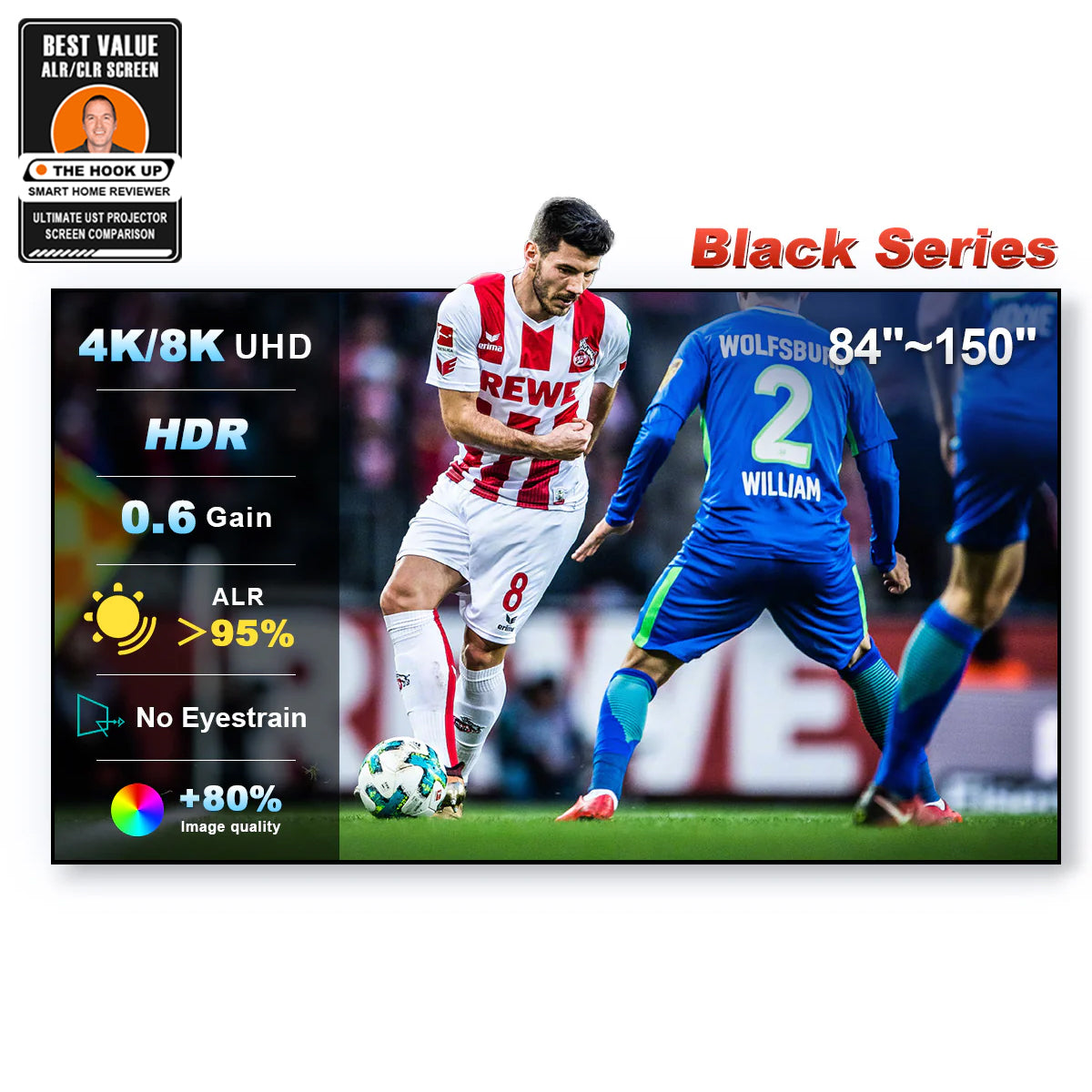
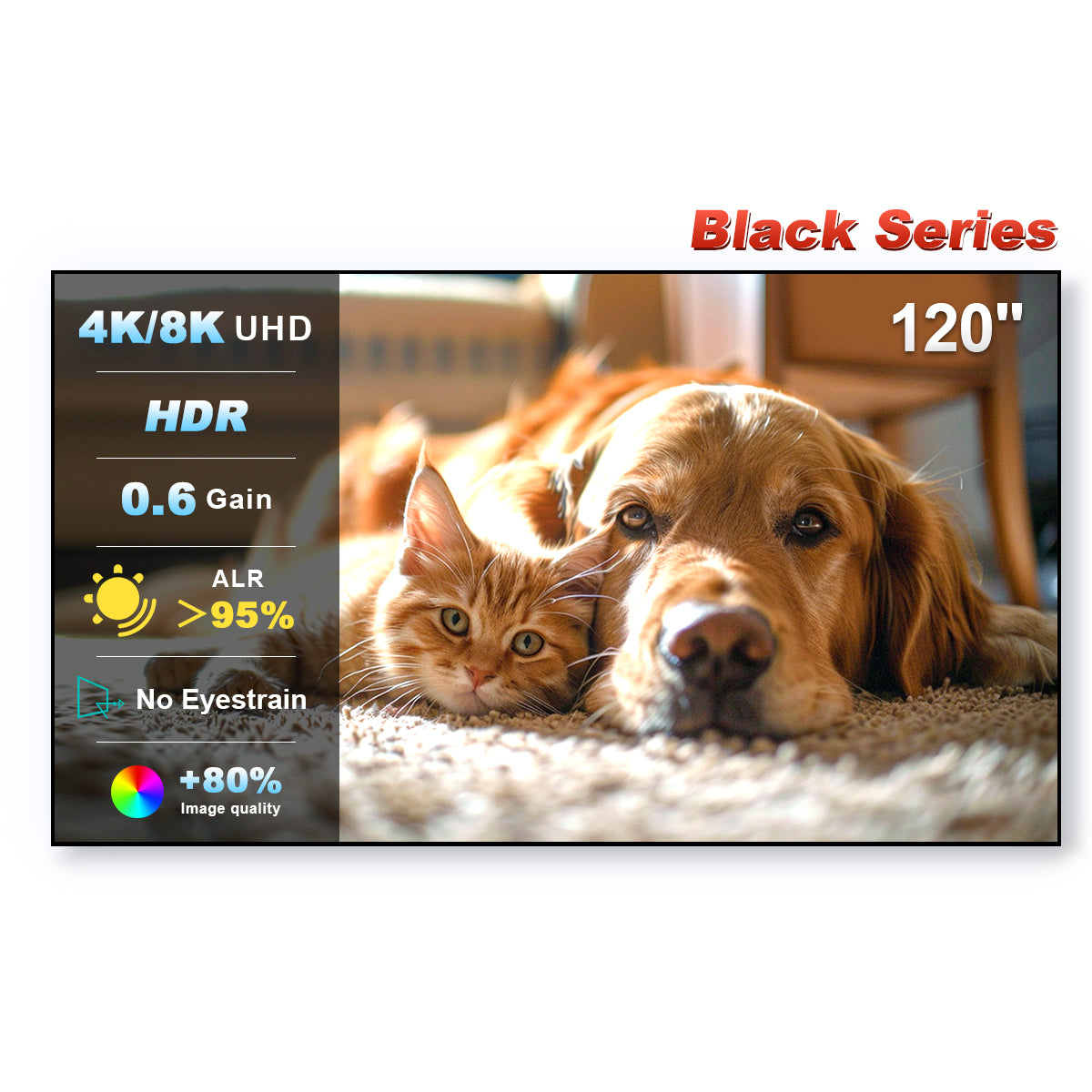
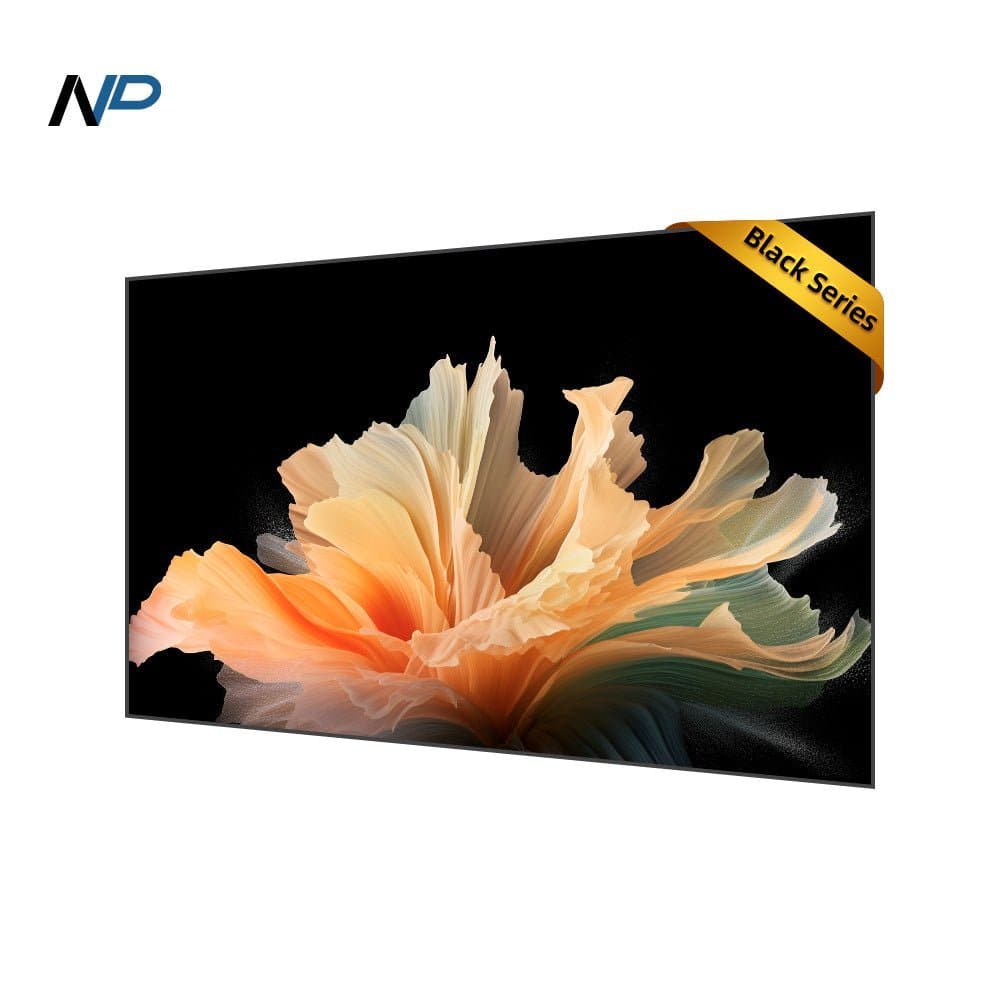
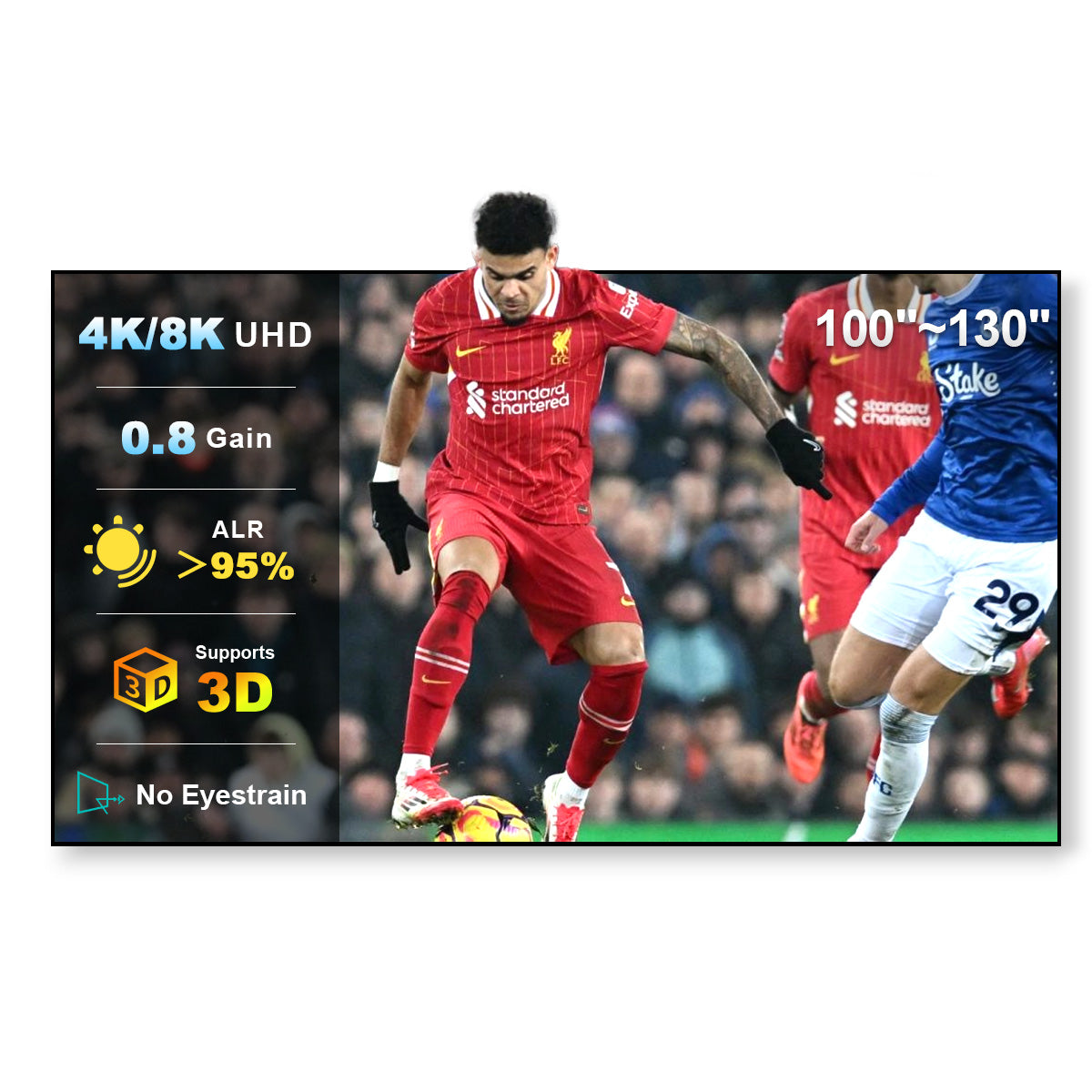
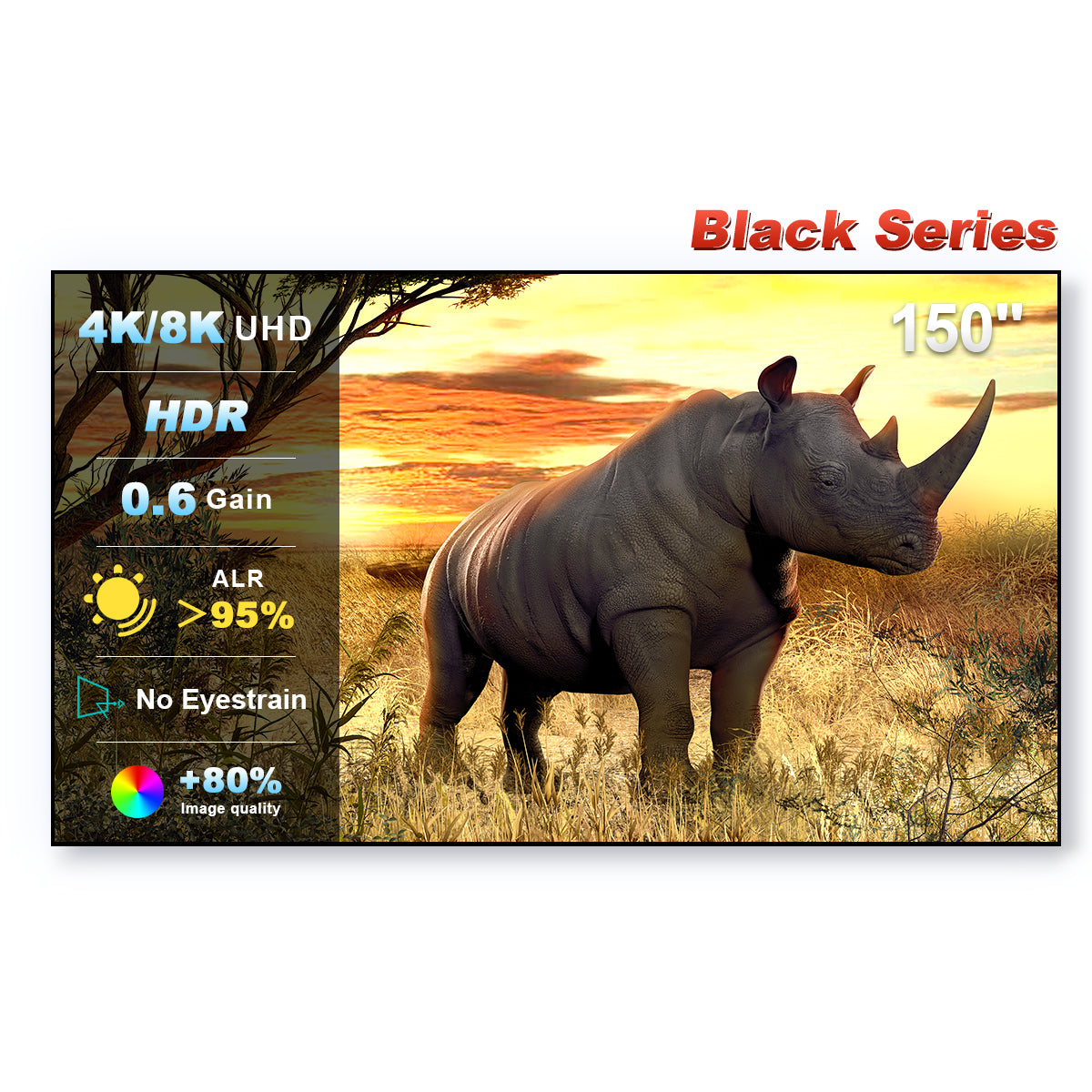
ALR (Ambient Light Rejecting) screens use optical structures to reflect your projector's light toward viewers while rejecting ceiling and side light. If you watch in a living room with lights on or during the day, an ALR screen like our Black Series (95% ambient light rejection) makes a dramatic difference compared to a plain white wall or standard screen.
What's the difference between ALR and CLR screens?
CLR (Ceiling Light Rejecting) screens are designed for ultra short throw projectors, blocking light from above while reflecting the projector's upward-angled beam. ALR is the broader category covering both UST and long throw setups. Black Series UST screens use CLR lenticular technology; our long throw models use ALR optics tuned for front projection.
Can I use a Black Series screen with any projector?
It depends on the model. Our UST screens are engineered for ultra short throw projectors (0.25:1 or similar throw ratio) and are not recommended for standard throw. For long/standard throw projectors, choose the Black Series long throw ALR models. Check the throw type listed on each product page before ordering.
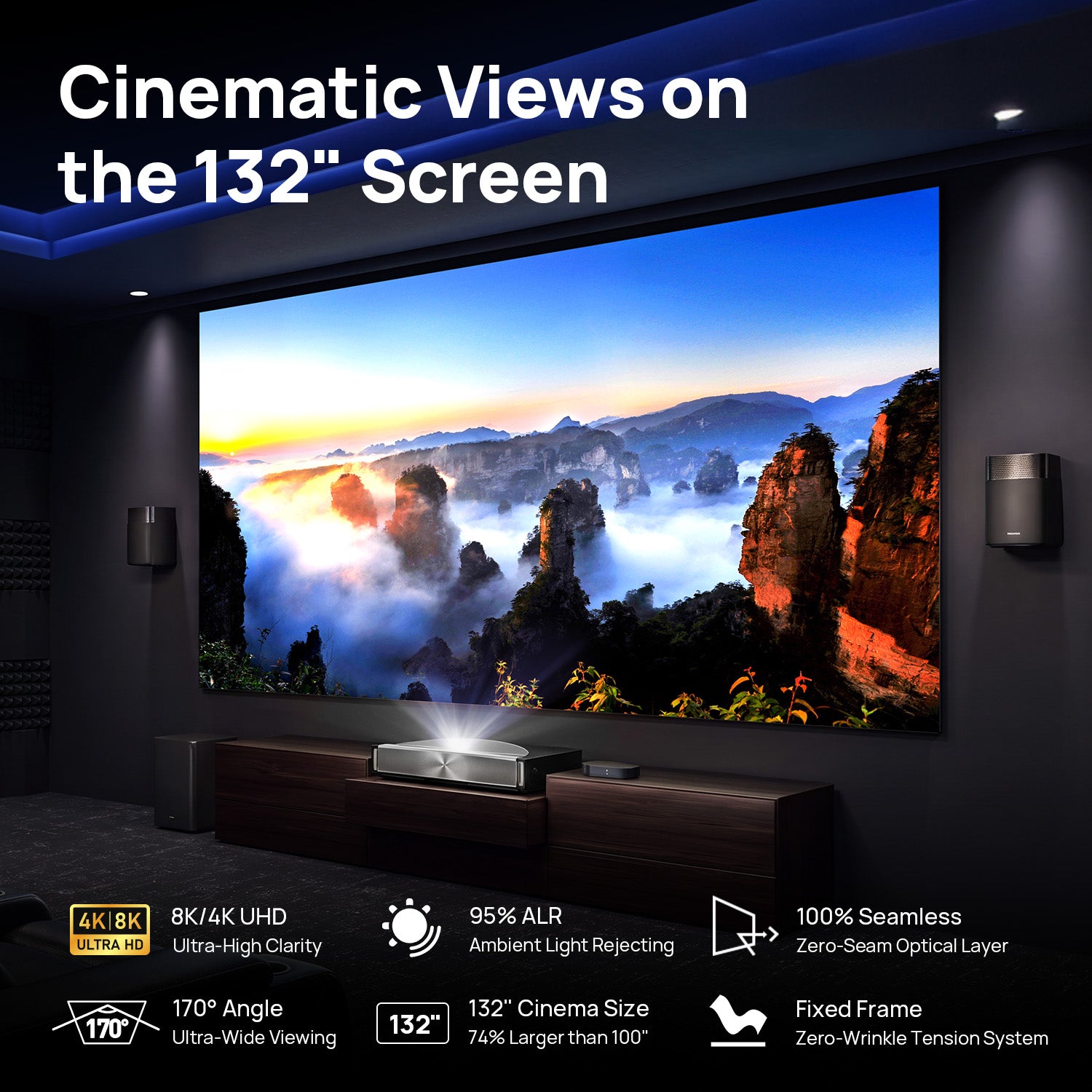
What size screen should I choose — 100", 120", or 132"?
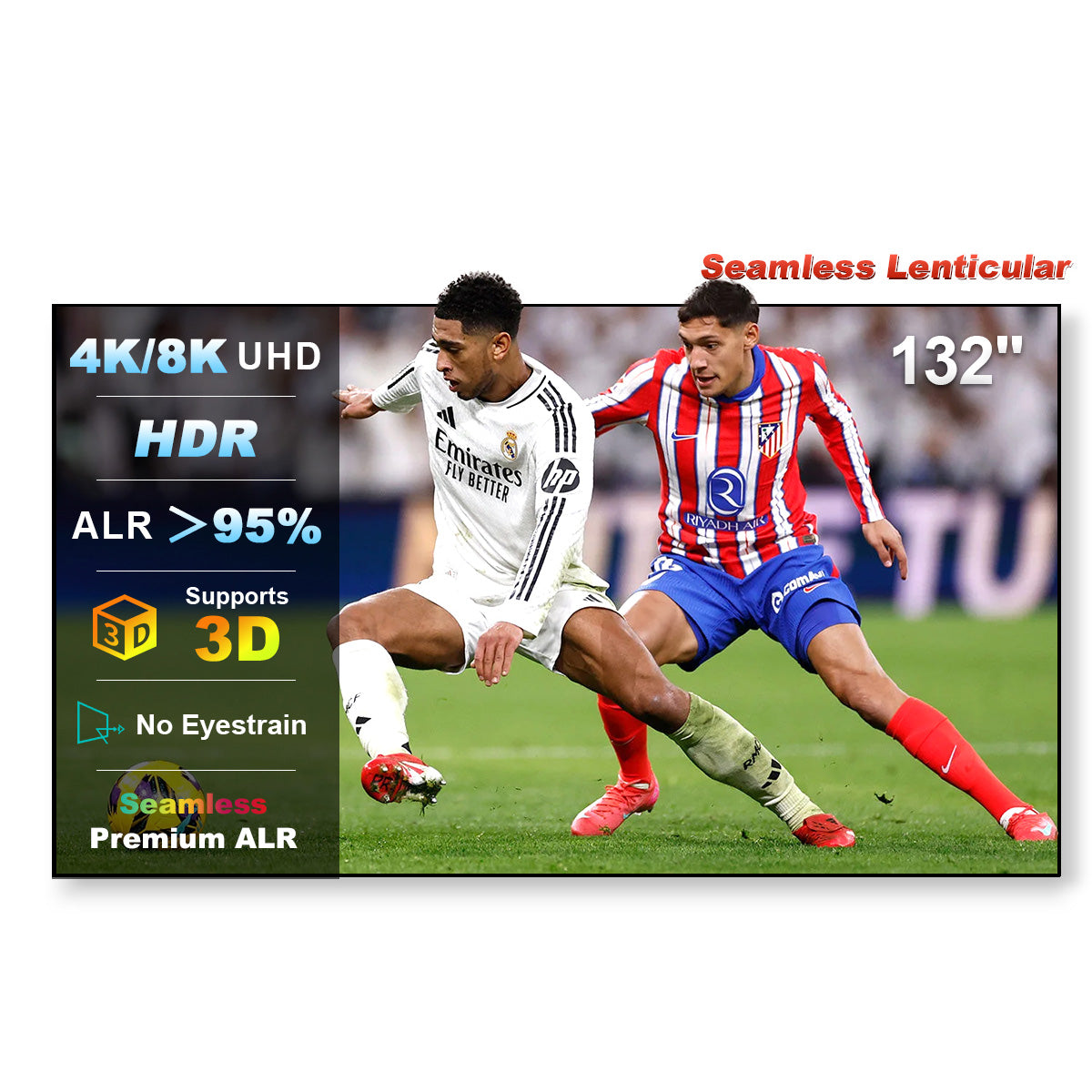
Match the size to your viewing distance and wall space. A common rule: viewing distance ÷ 1.2–1.6 ≈ screen diagonal. For most living rooms, 100"–120" hits the sweet spot (roughly 2.5–3.5 m viewing distance). The 132" seamless model suits larger dedicated spaces.
Fixed frame vs. motorized floor rising vs. drop down — which is right for me?
Fixed frame screens deliver the flattest surface and best value if you have a dedicated wall. Motorized floor rising screens disappear into a cabinet when not in use — ideal for multi-purpose living rooms. Drop down screens mount on the wall or ceiling and retract electrically, great when a TV already occupies the wall.
Can I watch during the day with a Black Series screen?
Yes — that's exactly what they're built for. With 95% ambient light rejection, Black Series screens keep contrast and color punch even in daylight or with room lights on. For the brightest rooms, pair with a projector of 2,000+ lumens for best results.
Is a Black Series screen better than projecting onto a white wall?
Significantly. A white wall scatters light in all directions, washing out contrast and colors in any ambient light. Black Series optical screens focus light toward the audience and reject off-axis light — most users describe the difference as "going from a washed-out picture to an actual TV-like image."
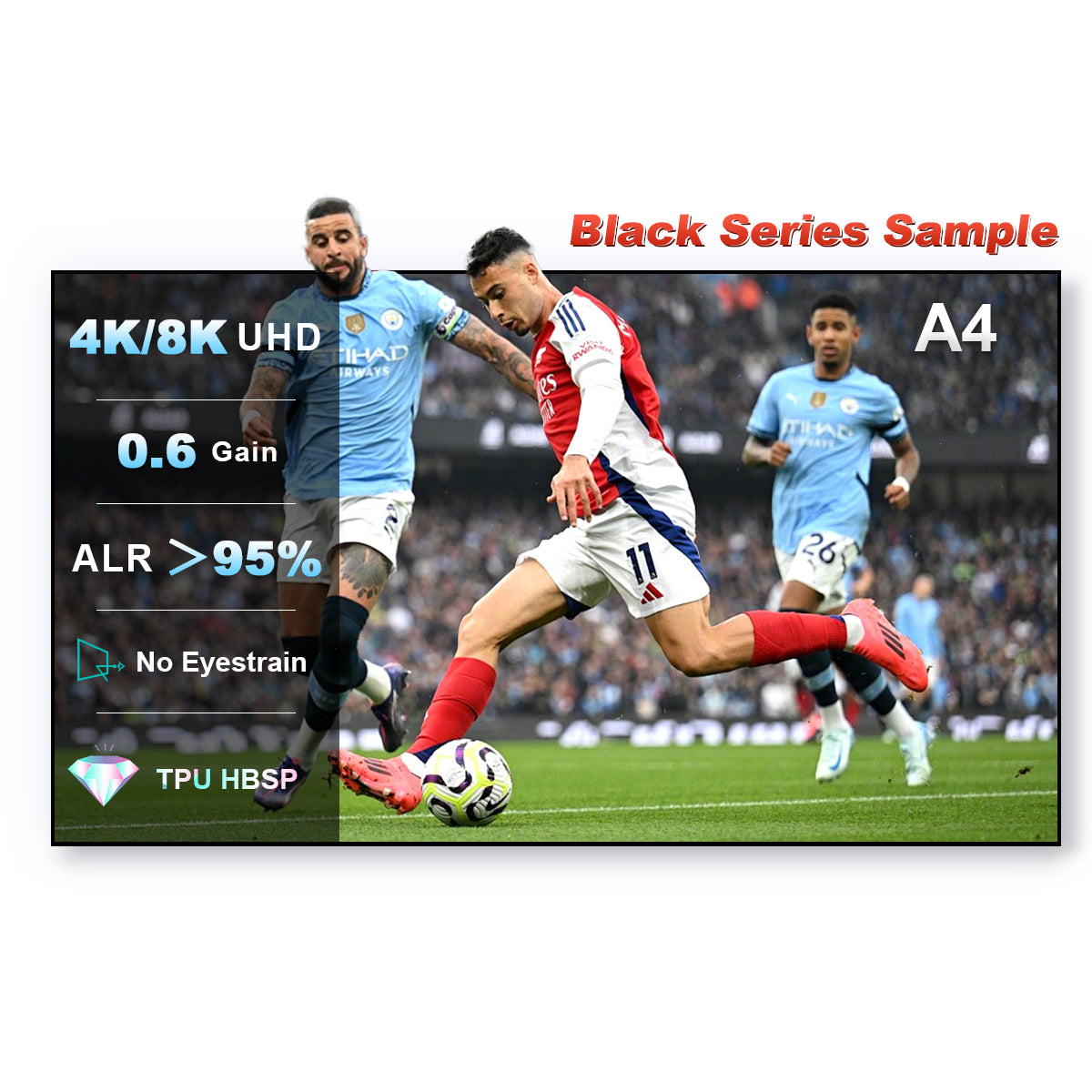
Do Black Series screens support 4K, 8K, and 3D?
Yes. All Black Series screens feature optical-grade surfaces that resolve full 4K and 8K detail without texture interference, and they support active 3D projection and HDR content.