


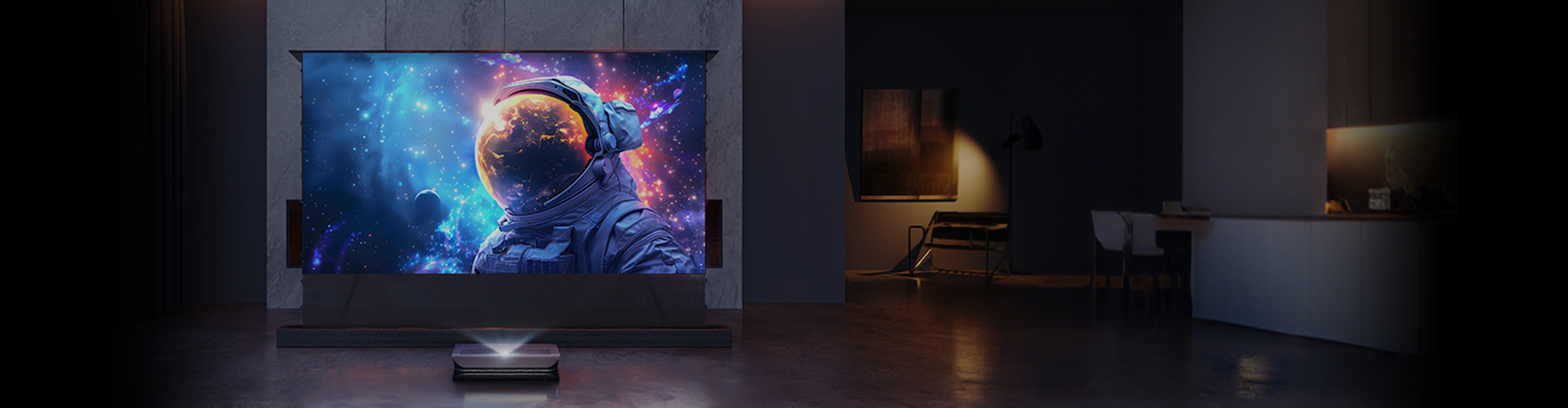
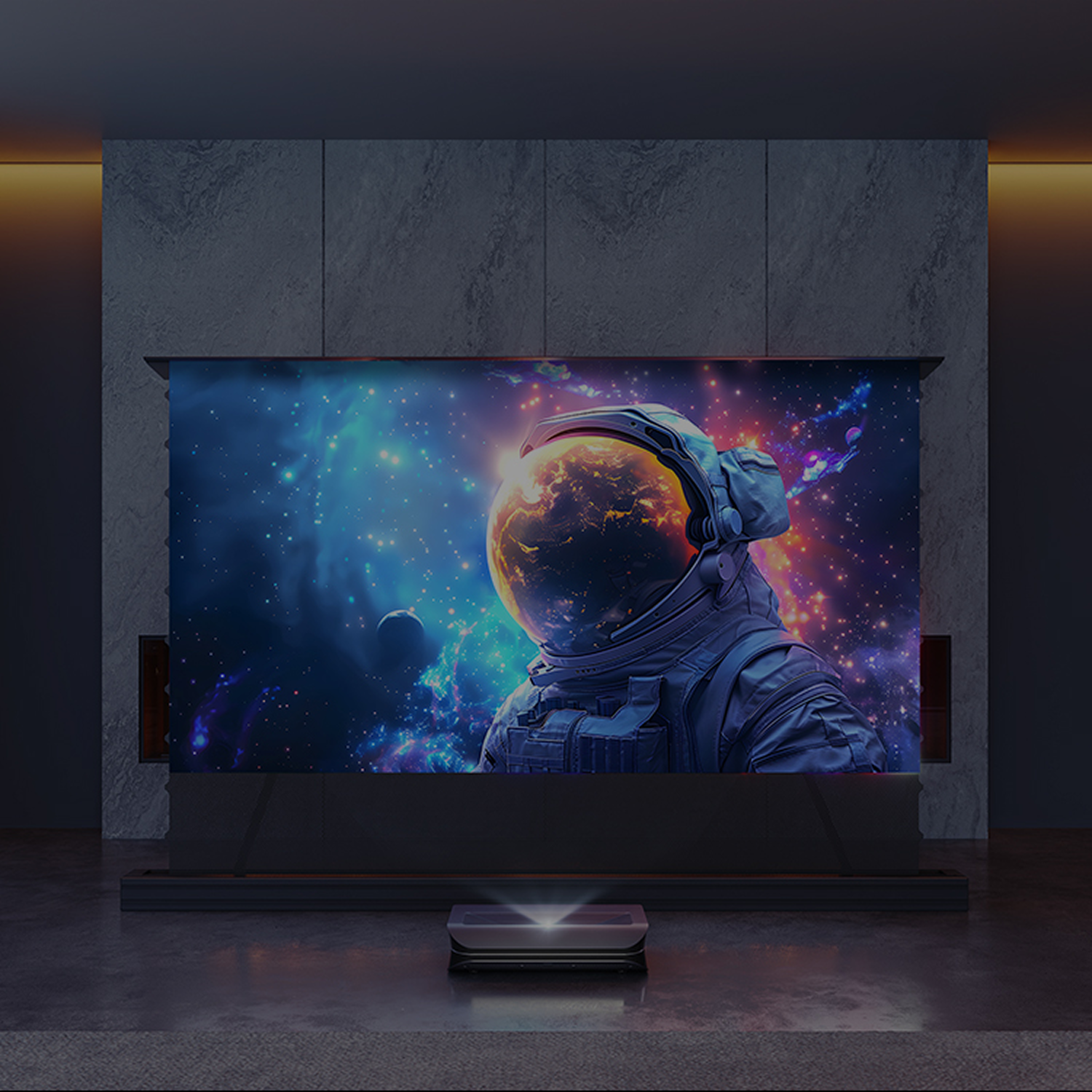
Compatible Projector Brands: Benq / EPSON / Sony / Hisense / SAMSUNG / LG / AWOL VISION / Formovie / Nexigo / XGIMI
Black Series Fixed Frame ALR Projector Screens
Filters
3 products


-
 24-48 Hours Dispatch
-
 No tariff. In Stock and Ready to Ship
-
24-48 Hours Dispatch
-
No tariff. In Stock and Ready to Ship
-
24-48 Hours Dispatch
-
No tariff. In Stock and Ready to Ship
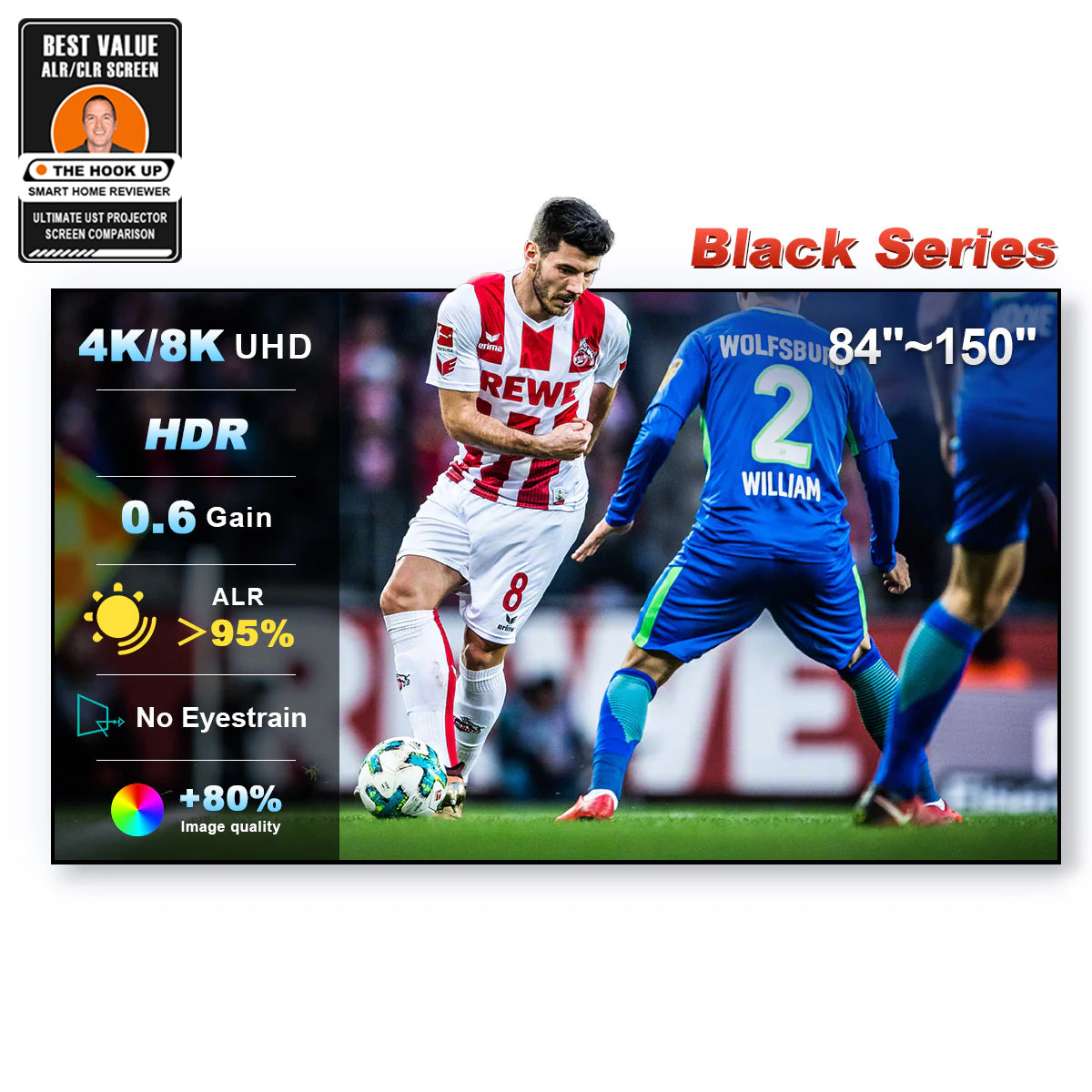
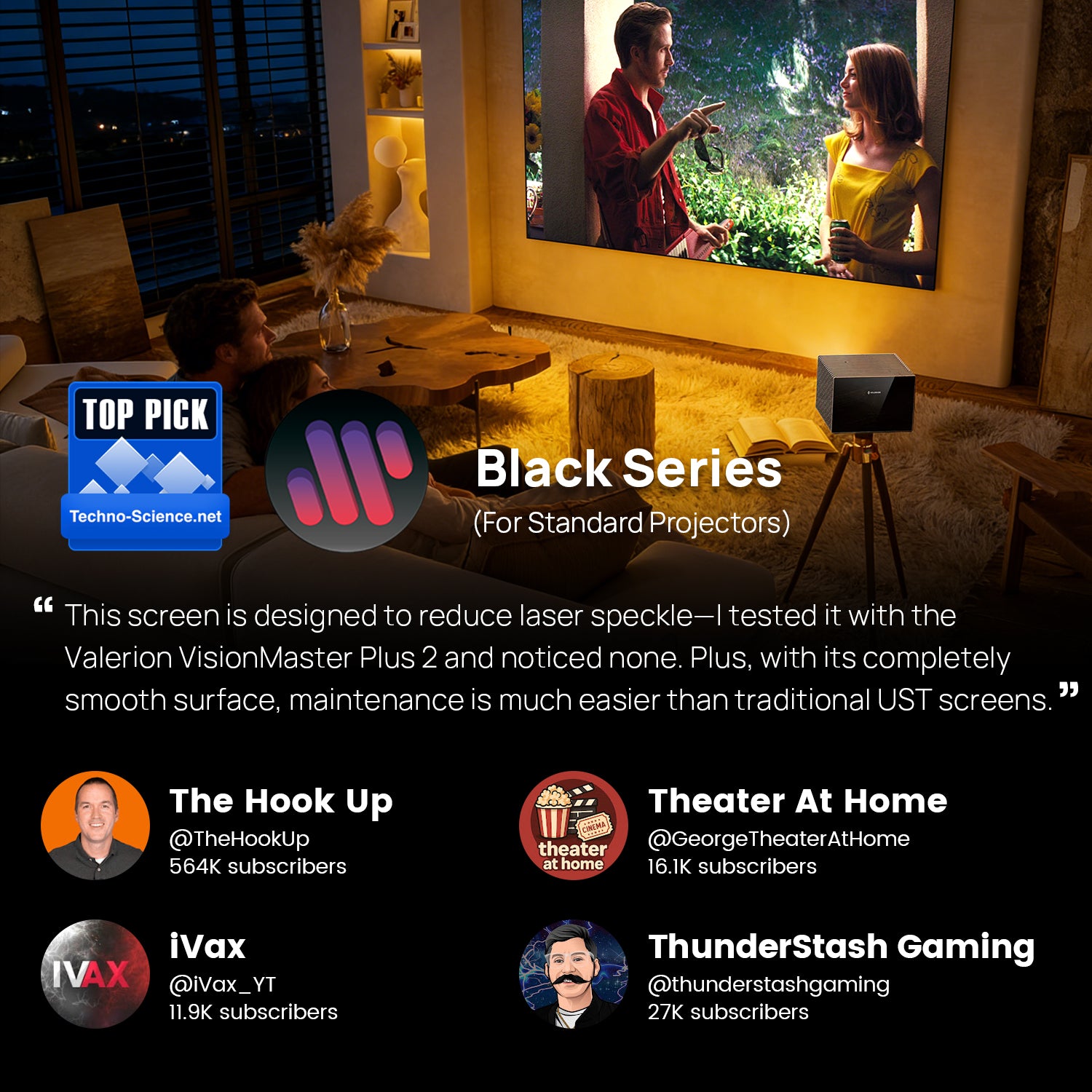
Black Series fixed frame projector screens combine a tensioned, wall-mounted design with up to 95% ambient light rejection, helping preserve deep blacks, vivid colors and fine image detail in both living rooms and dedicated home theaters. The fixed frame keeps the screen surface flat and uniformly tensioned for a clean, permanent installation.
Choose from sizes ranging from 84 to 150 inches, with options for ultra-short-throw and standard/long-throw projectors. For a UST projector placed close to the wall, select a Black Series CLR model designed for upward projection. For a standard or long-throw projector, choose a matching ALR model designed for front projection.
Before ordering, consider your projector’s throw type, available wall space and viewing distance. Our fixed frame installation guide explains mounting and tensioning, while our screen gain guide can help you understand brightness, viewing angles and room conditions.
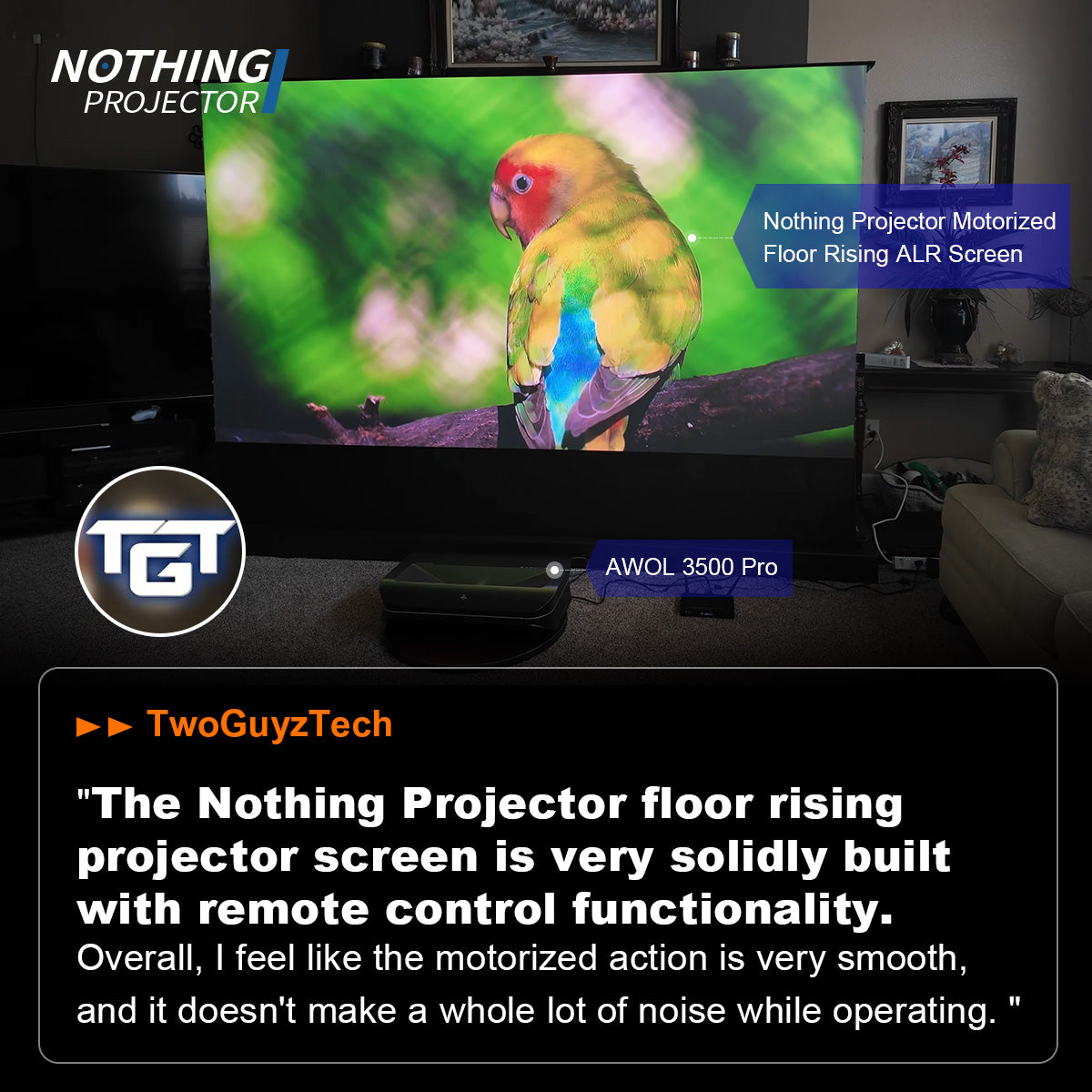
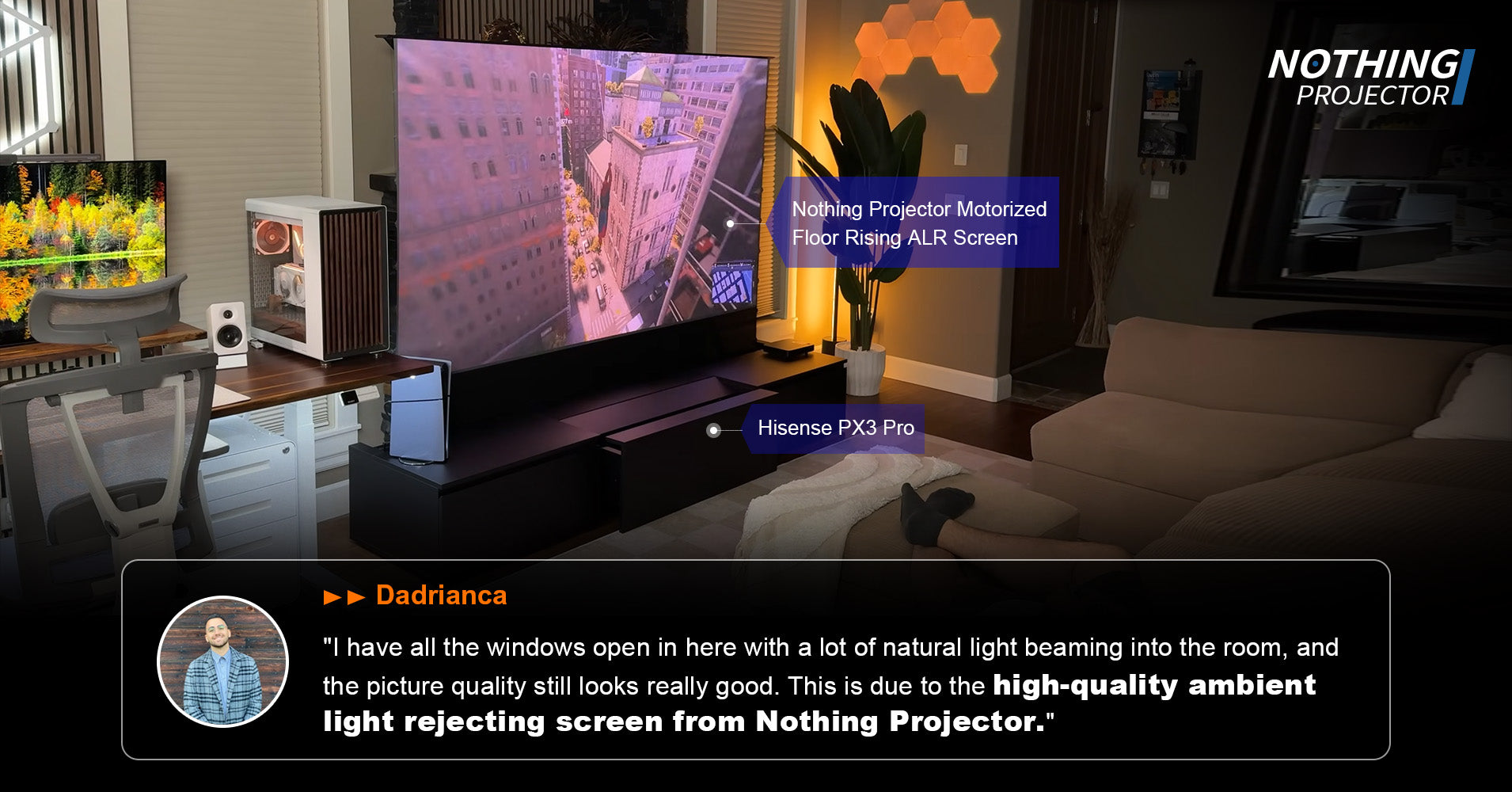
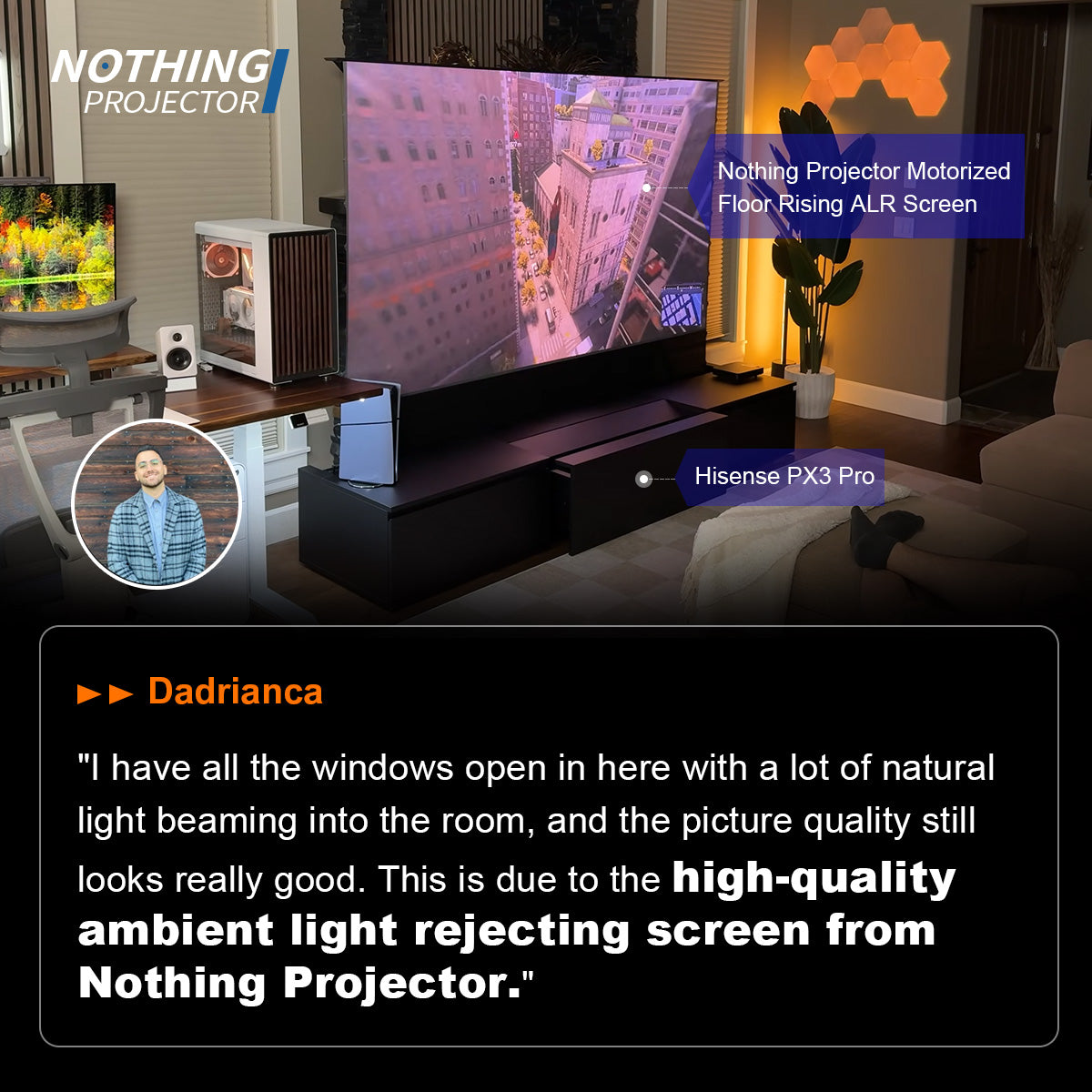
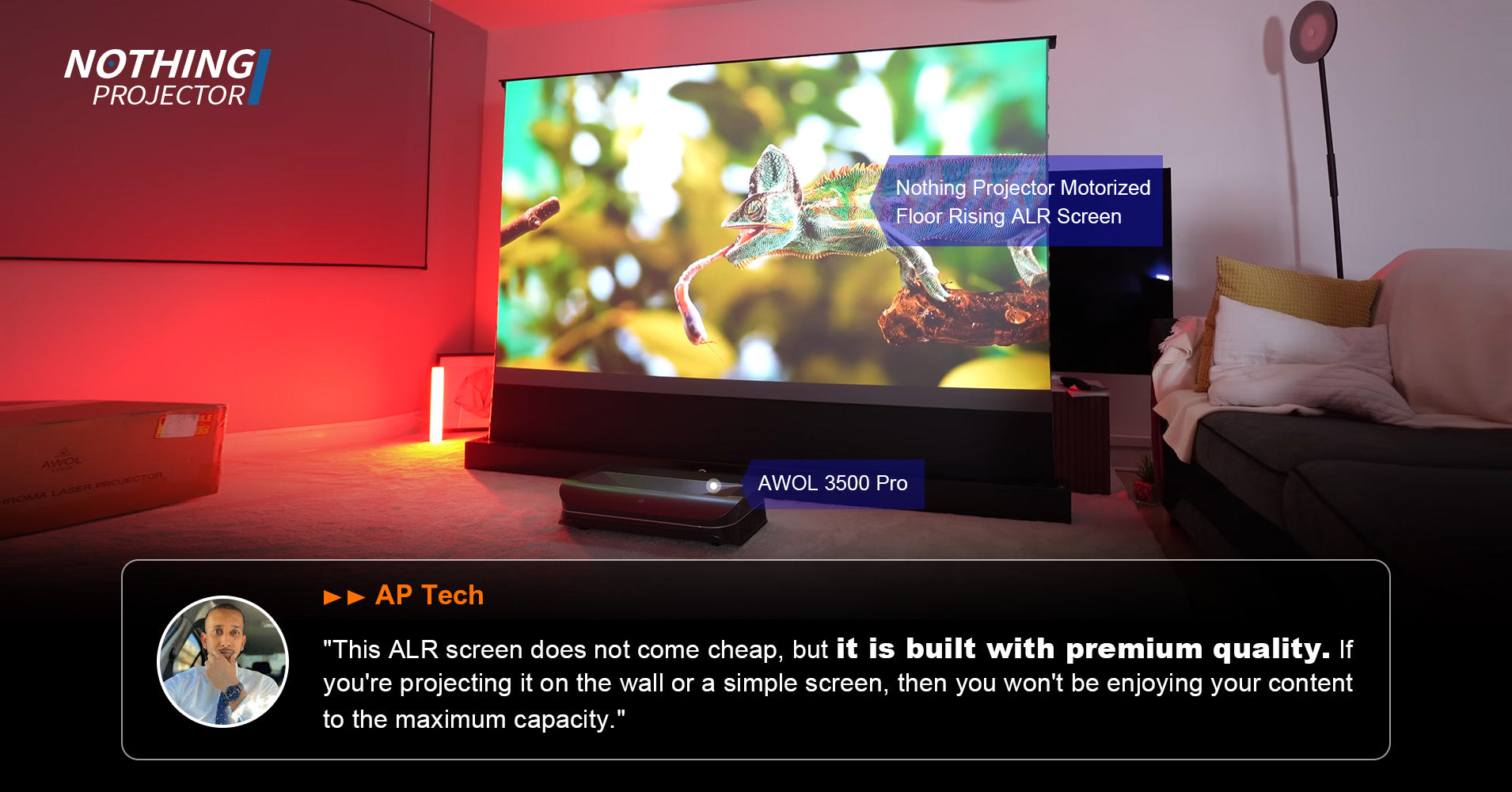
What experts are saying
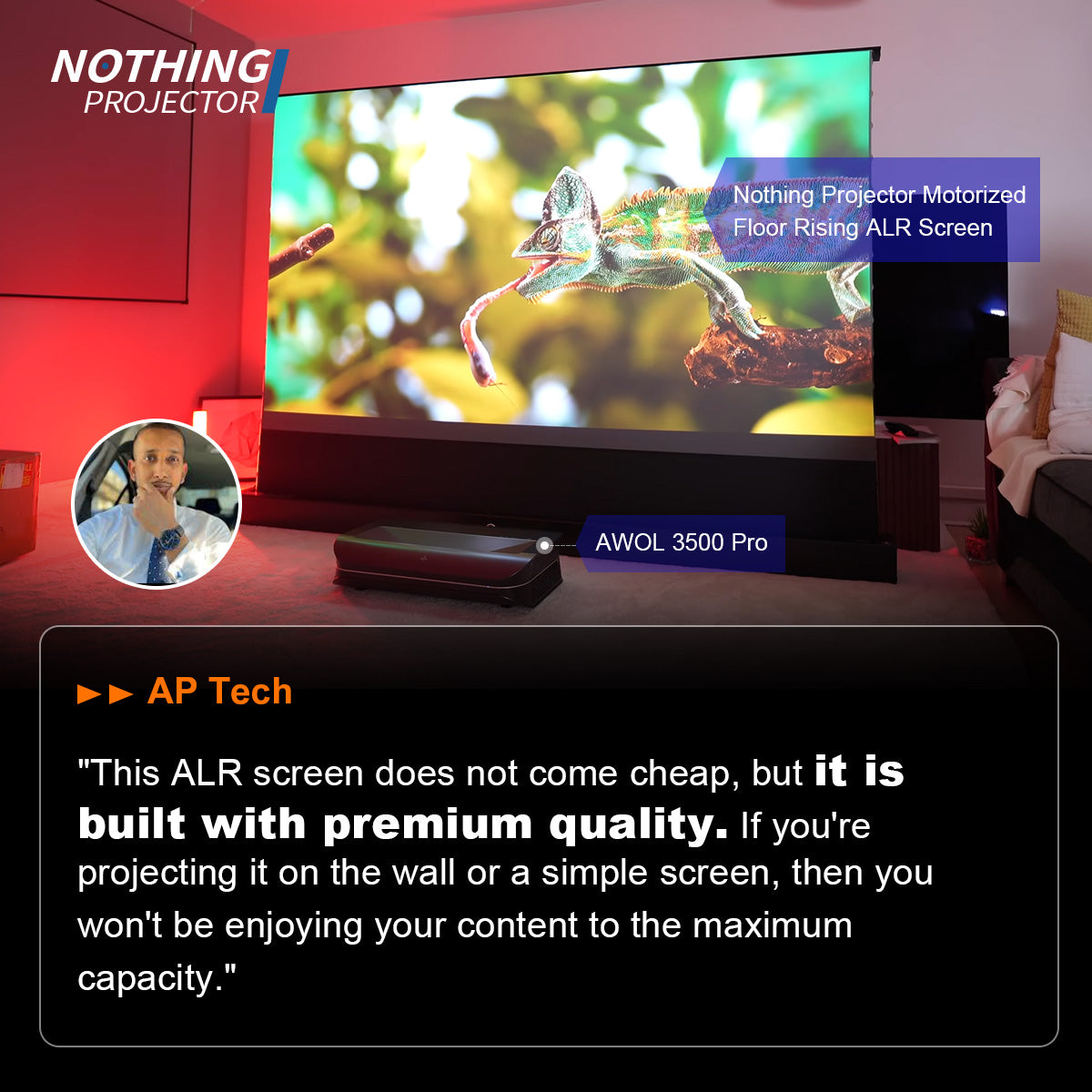
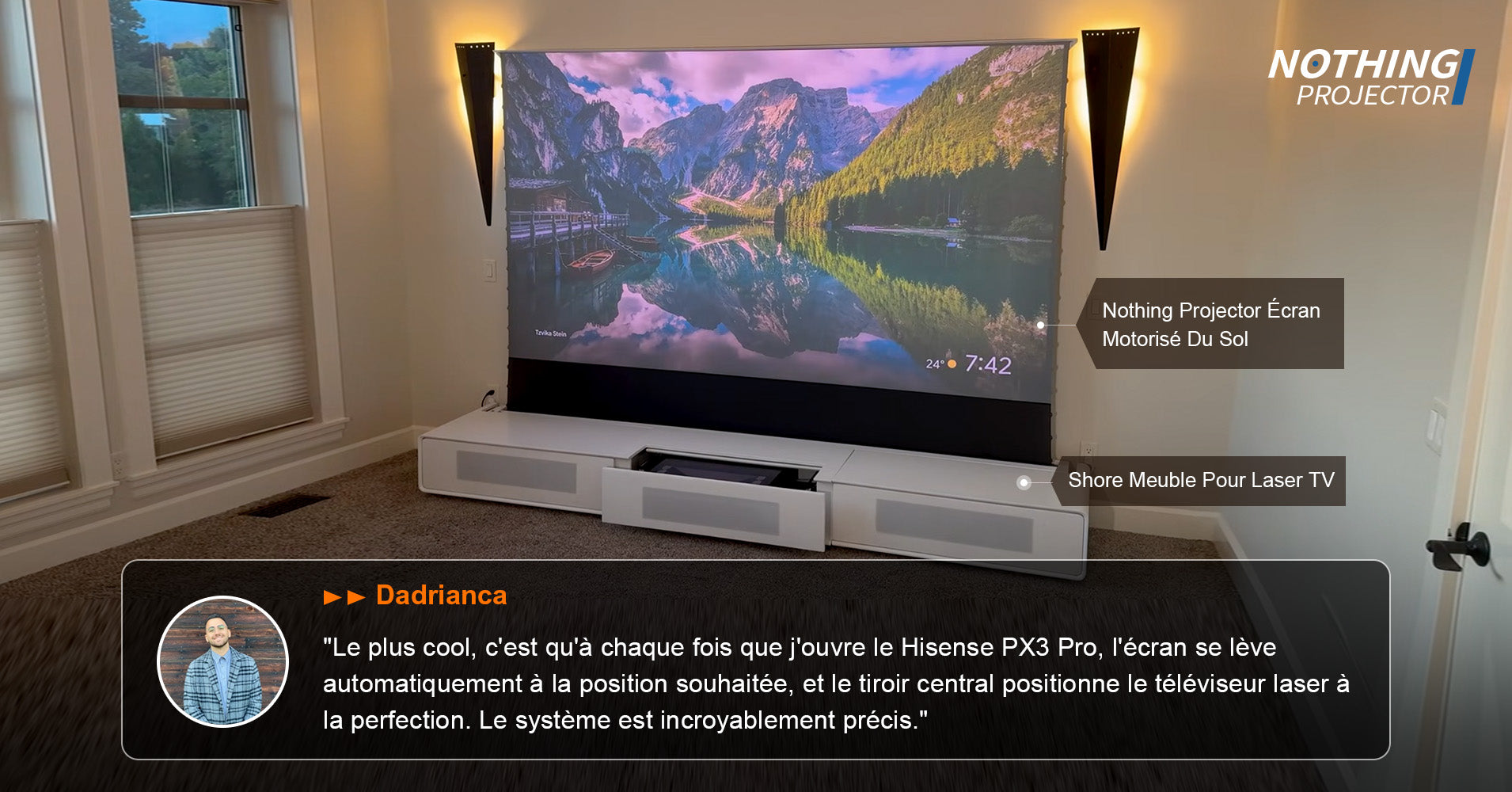
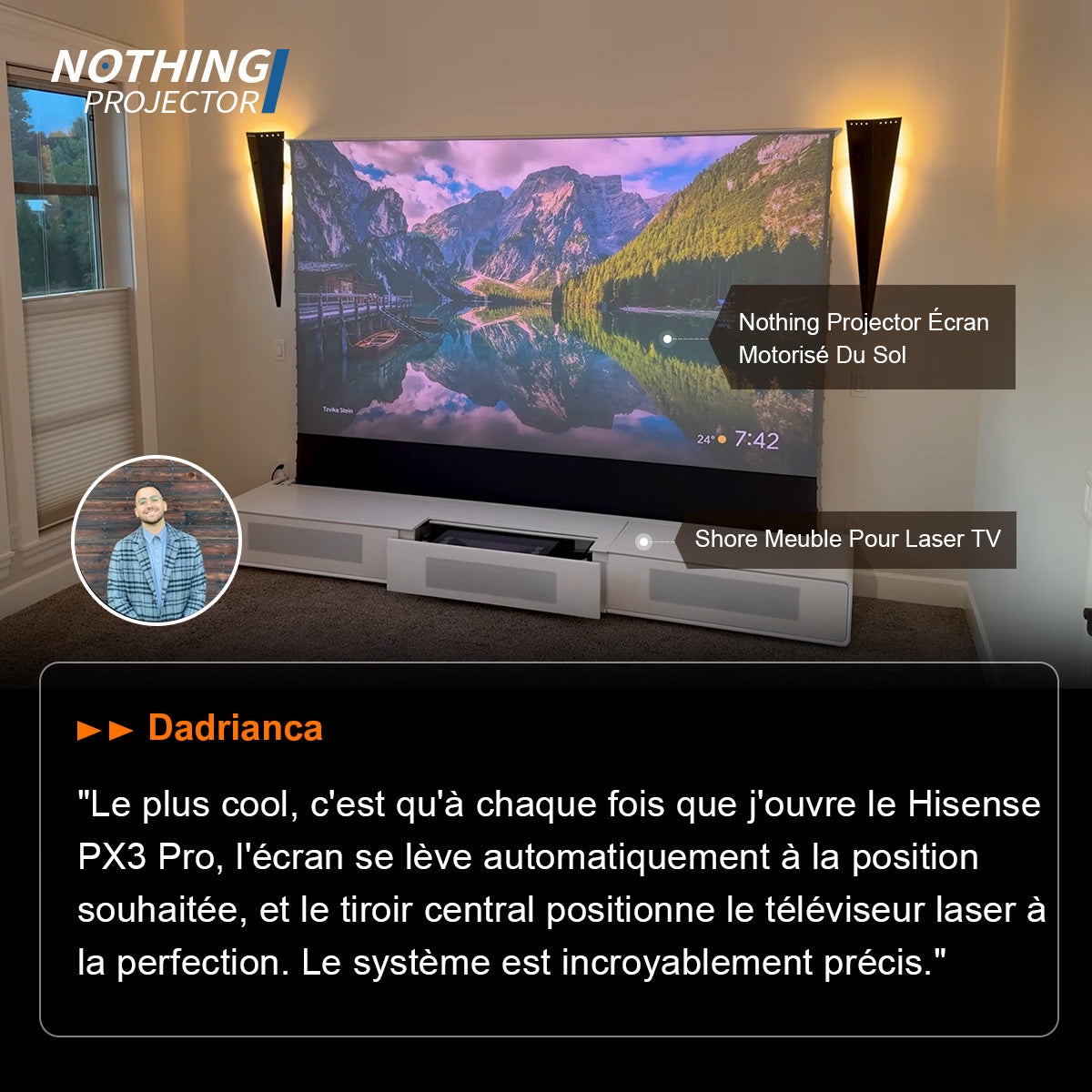
What are the most important things to consider before buying a projector screen?
➤ Crisper Details, True Resolution
A high-quality screen ensures every pixel from your 4K (or higher) projector is displayed with precision. Walls, bedsheets, or textured surfaces distort pixels, reducing sharpness and clarity. A premium screen’s ultra-smooth surface preserves image integrity, so movies, games, and presentations look their absolute best.
➤ Accurate, Vibrant Colors
Not all "white" surfaces are the same. Many reflect subtle tints (yellowish or bluish hues), altering color balance. A professional screen is neutrally calibrated, so colors stay true to the source—no unwanted shifts, just pure cinematic accuracy.
➤ Customizable Brightness & Contrast
Projector screens come with adjustable gain levels, letting you optimize brightness for larger screens or deepen black levels for enhanced contrast. Walls can’t do that—they simply reflect light unevenly, often washing out dark scenes.
➤ Smooth, Noise-Free Images
Textured surfaces (even slightly uneven walls) create visual noise, degrading image quality. A texture-free screen ensures flawless projection, whether you're watching 4K movies or delivering a presentation.
Why a Bigger Screen is (Almost) Always Better:
Nobody regrets going bigger! A larger screen delivers a more cinematic experience, especially for home theaters. Just match the size to your room and viewing distance for the perfect fit.
Find the Right Aspect Ratio for Your Needs:
- 16:9 screens – Ideal for TV shows and movies (standard HDTV format).
- Cinemascope screens – Perfect for film buffs who want that true theater feel.
- 16:10 screens – Great for presentations, with extra vertical space for slides and documents.
Go Textureless for True 4K Clarity:
A smooth, textureless 4K screen ensures your projector’s ultra-HD content shines—no blurring, no artifacts. Textured surfaces (or worse, a plain wall) can ruin the sharpness of your image.
Skip the Bedsheet “Hack" – Get a Real Screen:
Bedsheets might seem like a quick solution, but they cause wrinkles, uneven projection, and washed-out colors. (Plus, who wants extra laundry?)
Upgrade with Smart Screen Features:
- Ambient light rejection – Enjoy clear visuals even with the lights on.
- Acoustic transparency – Hide speakers behind the screen for a clean setup.
- Rear projection – Project from behind for a sleek, space-saving design.
Bundle & Save:
And we must consider discounts when you buy your projector and screen together—smart shopping for a seamless home theater setup!
What are the benefits of using a projector screen?
Many customers ask: "Can’t I just project onto a wall?" The short answer: Yes, but you won’t get the best experience. A dedicated projector screen is engineered to maximize your projector’s performance—delivering sharper details, richer colors, and a truly immersive viewing experience.
Don’t Settle for Less—Your Projector Deserves the Best
If you’ve invested in a high-end projector, pairing it with a proper screen unlocks its full potential. Skip the DIY fixes (walls, sheets, or cheap alternatives) and enjoy crisper, brighter, and more lifelike visuals with a professional-grade screen.
What is the difference between ALR and CLR screens?
To put it simply, CLR screens are just one type of ALR projector screens.
When choosing an alr screen for ust projector, if you're looking to make a swift decision, we suggest disregarding the ALR and CLR terms.
You only need to consider the material of the screen (Lenticular and Fresnel).
If you want to delve deeper about ALR or CLR screens, you can check out this article
What kind of material do you need for your ust screen:
ust projector screen materials come in two types: Lenticular and Fresnel. These materials differ in their screen structure, leading to variations in display performance.
Generally speaking, we recommend CLR lenticular screens as they are more suitable for ordinary households.
If you only plan to watch it alone, or, if you and your partner plan to sit side by side and don't plan to share your film or game with your other friends, you can choose a Fresnel screen. This is because Fresnel screens offer brighter image during daylight hours compared to lenticular screens. (center vision).
However, for ALR Fresnel screens, the viewing angle is typically only around 70-100 degrees. This means that apart from the central position, where the optimal picture is achieved, the brightness of the image seen from other angles is inferior.
If you're aiming to use your screen and projector as a substitute for a traditional TV, especially for hosting gatherings with friends during happy hour, we recommend opting for a Lenticular screen.
You can read this article for an in-depth look at the difference between the two materials.
A little tip for choosing a Lenticular screen
Budget under 400 EUR :
At a price point of around EUR 400, our NP Classic screen provides an excellent viewing experience with exceptional resistance to ambient light, making it a cost-effective choice compared to the average price of EUR700 for quality ultra-short-throw light-resistant screens on the market.
Budget over 600EUR:
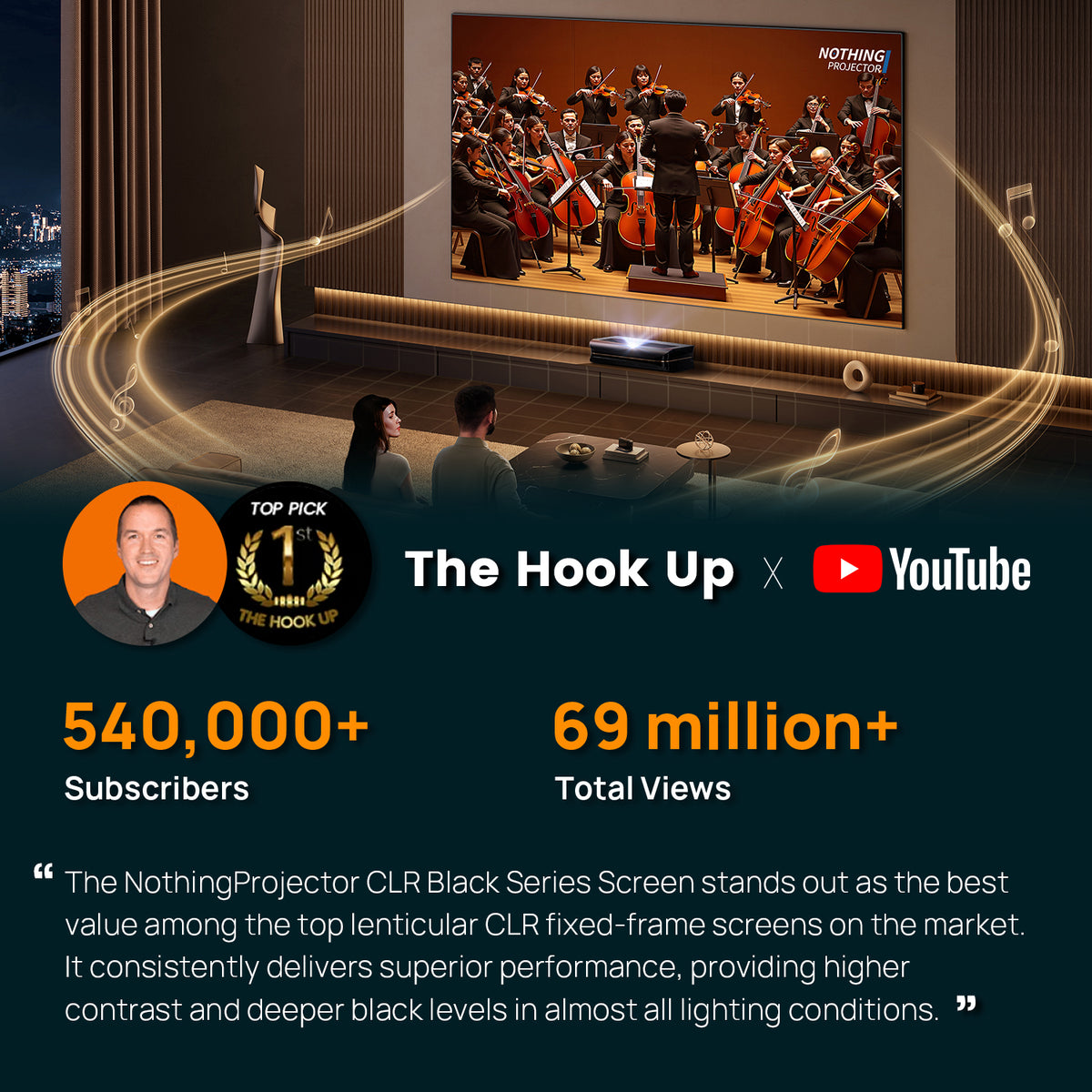
Nothing Projector's Black Series screen curtains are crafted from premium materials, offering exceptional resistance to ambient light. Recognized as the Best Value in an evaluation of 8 ALR ust projector screens by the esteemed smart home reviewer, The Hook Up.
What type of ultra short throw projector screen do you need to choose?
Price from €370
Installation time required (1 hour)
Highest level of screen tension
Price from €1350
Open and use instantly
High level of screen tension
Price from €1200
Installation time required (30 mins)
High level of screen tension
Fixed frame type
Advantage: Affordable price, highest tension among screen types
Disadvantages:
1. It will occupy some space; for example a diagonal of 100-inch or 120-inch screen will span about 2.65 meters which might be a bit challenging for an average family living room.
2.You'll need to install it yourself, and while the installation isn't particularly difficult, it will take at least an hour.
3.Drilling is necessary and may cause damage to your home's walls.
Drop down type
Advantage:
1. Installation requires moderate effort.
2. The retractable screen seamlessly blends into your home's design.
Disadvantages:
Requires wall drilling and higher price point.
Floor rising screen type
Advantage:
- No installation required
- The screen is portable, giving you the flexibility to set up your movie-watching area wherever you prefer
- No need to damage the aesthetics of your home's walls.
- Renter friendly. No need to disassemble the screen when you need to move
Disadvantages:
1. Relatively expensive
Screen Size
A larger screen isn't necessarily ideal. Viewing distance is also crucial to consider. If the distance is too close, similar to sitting in the front row at a cinema, it can lead to eyestrain and discomfort in the neck after prolonged viewing.
The SMPTE (Society of Motion Picture and Television Engineers) suggests positioning yourself at a distance where the screen occupies 30° of your field of vision. This typically translates to a viewing distance ranging from 1.2 to 1.6 times the diagonal size of the screen.
The general formula we recommend is: minimum viewing distance= screen’s diagonal (Inch) *1.2
Therefore, for ust alr screen 120inch, the suggested minimum viewing distance is 144 inches, or 12 feet.
FAQs About Black Series Fixed Frame Screens
What are the benefits of a fixed frame projector screen?
A fixed frame keeps the screen material flat and evenly tensioned, helping reduce wrinkles, edges curling and image distortion. It is a strong choice for a dedicated wall where the screen can remain installed year-round.
Can I use a Black Series fixed frame screen with both UST and long-throw projectors?
Yes, but you need to choose the correct optical material. UST projectors require a CLR screen designed for upward projection at a steep angle, while standard and long-throw projectors use an ALR screen designed for front projection. Learn more about ALR vs. CLR screens.
What screen size should I choose for my room?
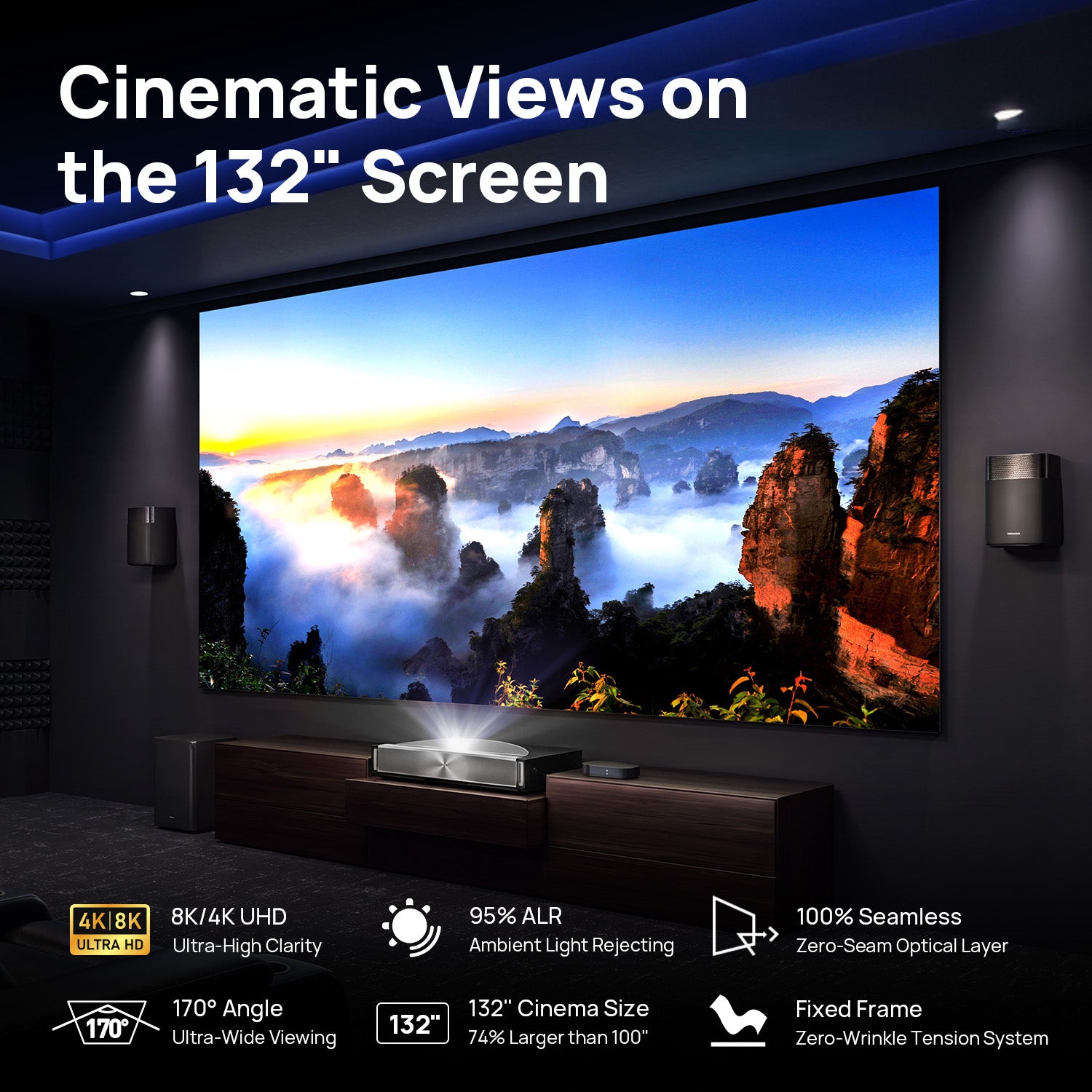
Check your available wall width, viewing distance and projector brightness. Sizes around 100–120 inches suit many living rooms, while larger formats such as 132 inches and above are better suited to larger dedicated spaces. Measure the installation area before ordering rather than choosing by diagonal size alone.
Fixed frame vs. motorized floor rising vs. drop down — which is right for me?
Choose fixed frame for a permanent installation and the flattest surface. Motorized floor-rising screens are better for multipurpose rooms because they retract into a cabinet, while drop-down screens suit wall or ceiling installations where a retractable screen is preferred.
Can I use a fixed frame ALR screen in a living room with ambient light?
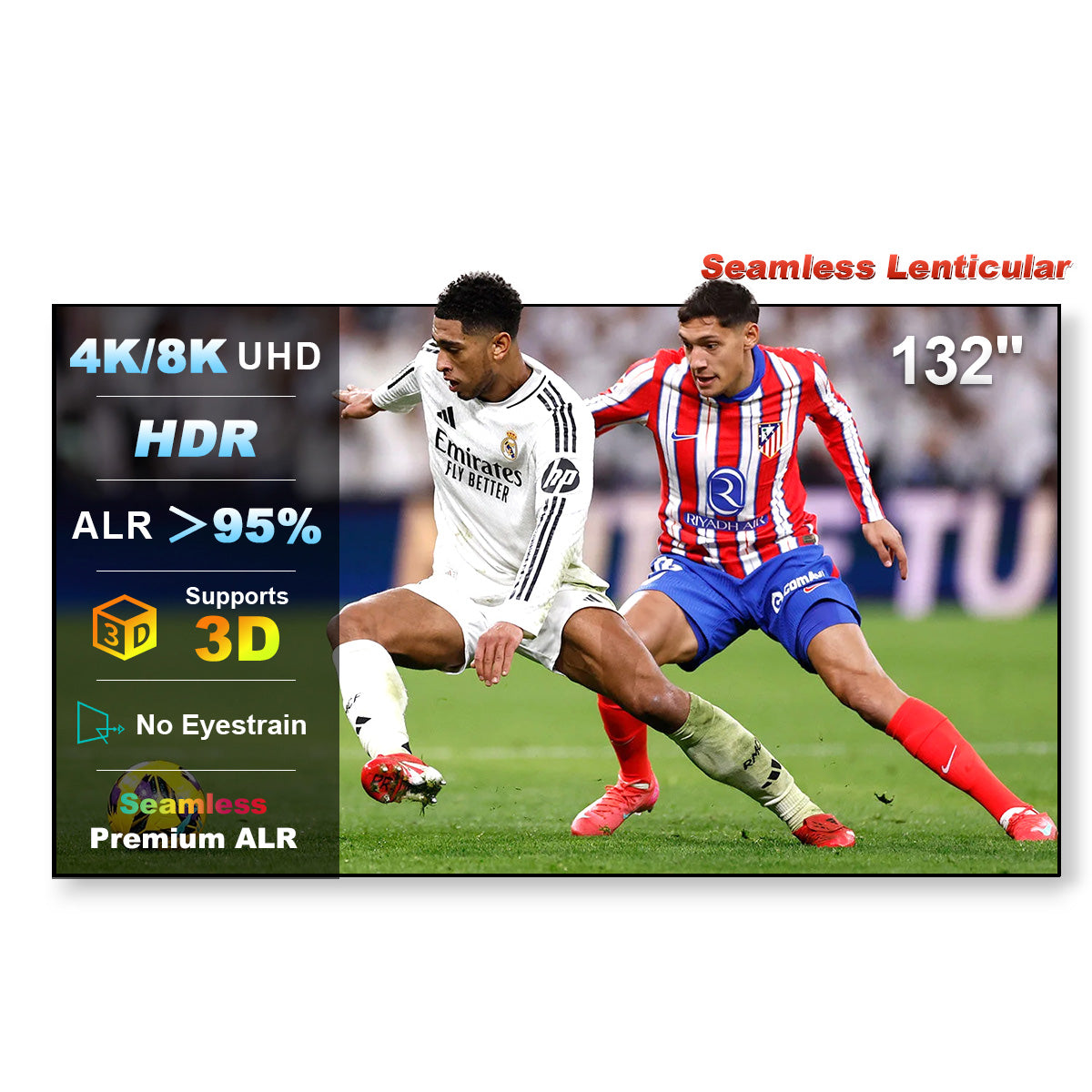
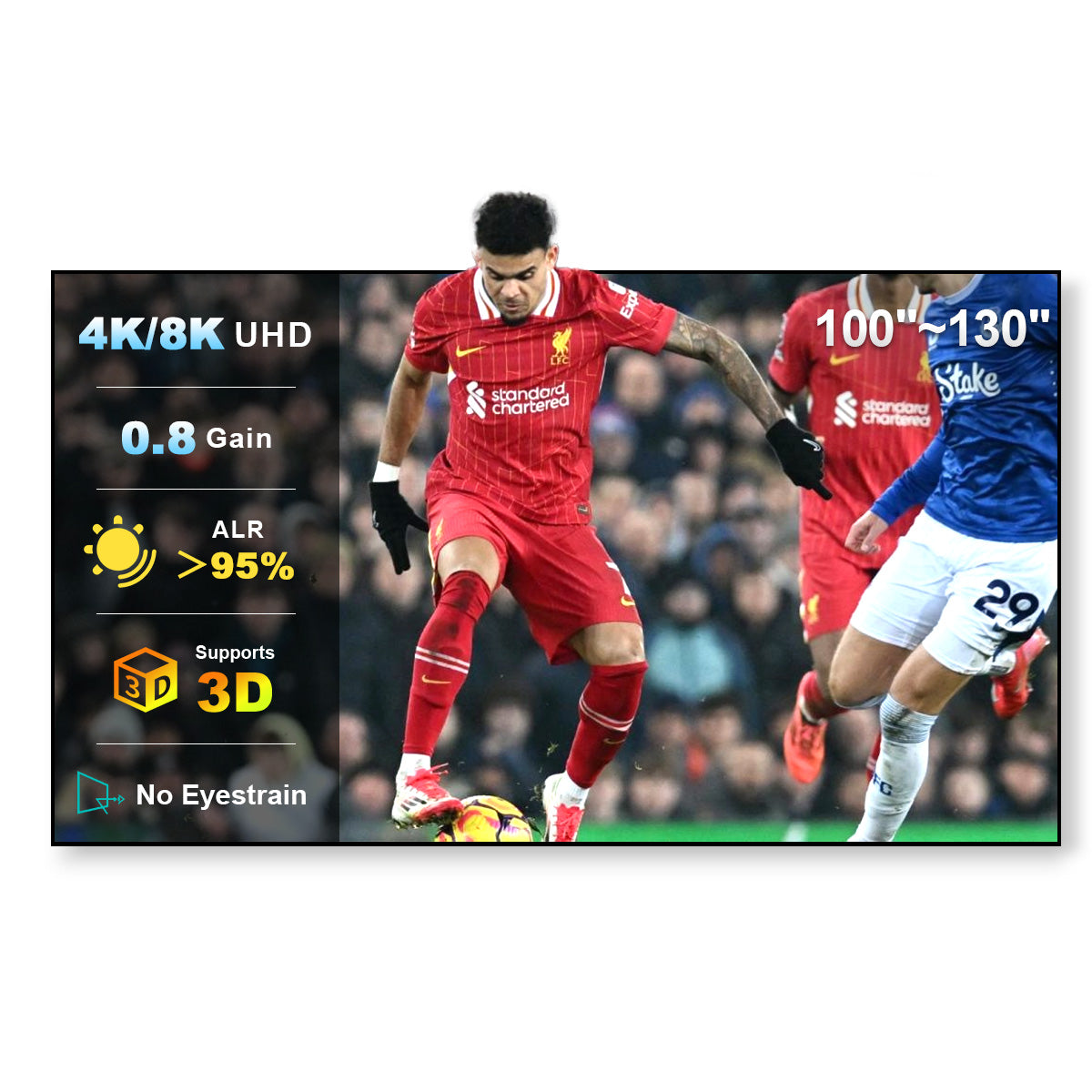
Yes. Black Series ALR/CLR materials are designed to reject up to 95% of ambient light, helping maintain contrast and color in living rooms with lights on or during daytime viewing. A darker room will still provide the best possible black levels.
How do I install a fixed frame projector screen?
Installation typically involves assembling the frame, mounting the wall brackets and tensioning the screen material evenly. Requirements vary by model and wall type, so follow the fixed frame installation guide and use suitable fixings for your wall.
What is screen gain, and does a higher number always mean a better image?
Screen gain describes how strongly a screen reflects light toward viewers. Higher gain can increase perceived brightness but may reduce viewing-angle uniformity or create hotspots, while lower gain can provide more even viewing. Our screen gain guide explains how to choose for your projector and room.
Do Black Series fixed frame screens support 4K, 8K, HDR and 3D?
Yes. Black Series optical surfaces are designed to resolve 4K and 8K detail and support HDR content. Active 3D is also supported when used with a compatible projector and 3D glasses.